Face API for On-Device Face Detection and Tracking
Banuba Face API is the face detection, tracking and matching layer of Face AR SDK, running on 8 platforms without sending information anywhere.
Selected by Hundreds of Leading Brands








-
Detect, track, match — on the device
Banuba Face API is the face layer of Banuba Face AR SDK: detection, face tracking, and segmentation. The technology can provide the data for 1:1 face match, and it is up to the developers, how to process it. There is no per-request billing, and you license only the features you need, which is what keeps the integration short and the licence predictable.
Face Detection API Features
Banuba Face API exposes the Face AR SDK's detection & tracking capabilities as separate, licensable features
-

Multi-face detection & tracking
Banuba's face detection SDK locates and tracks more than one face in the same frame. On mobile, Banuba recommends up to three at once for a smooth experience: the limit is device compute, not the algorithm.
-
Multiple platform support
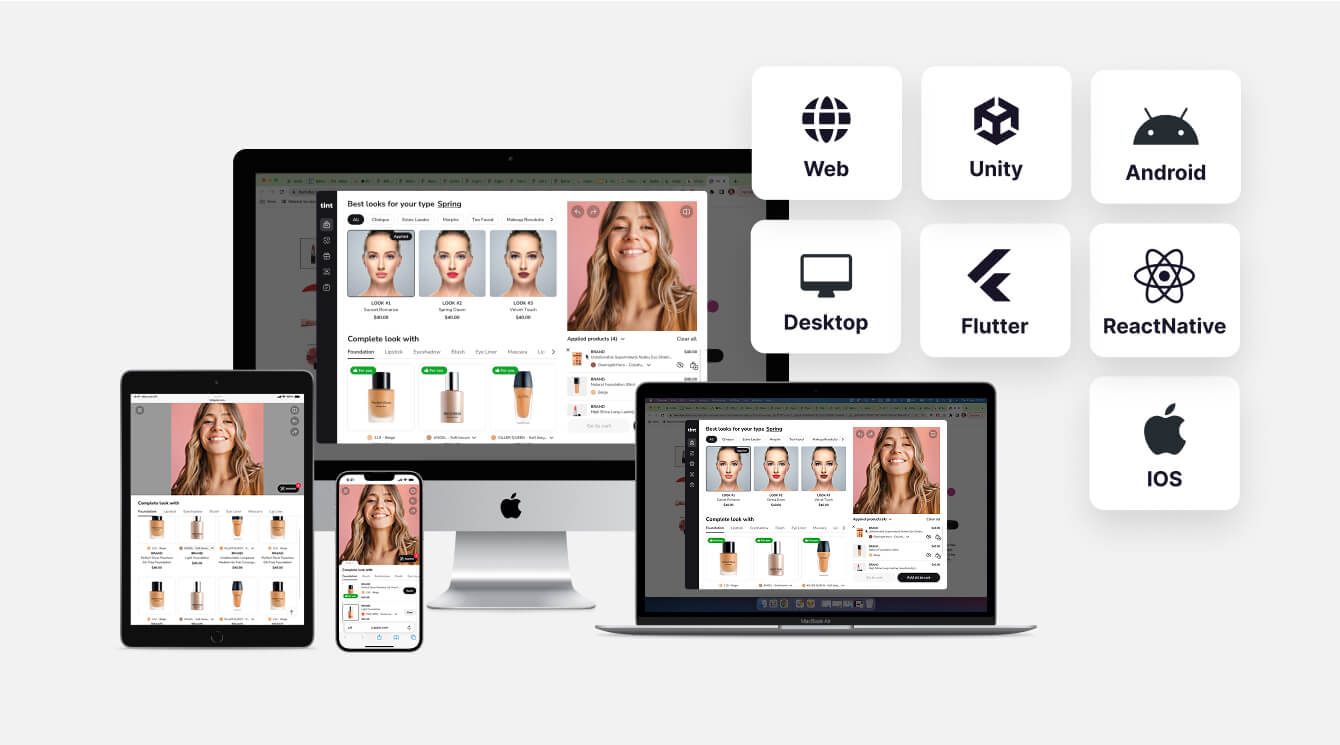
Banuba offers AI face detection & tracking products for Web, Windows, Mac, Android, iOS, Flutter, React Native, and Unity. No matter where your target audience is, you will be able to serve it.
-
Face analysis
Banuba Face API reads face attributes in real time: face shape, skin tone, hair and facial-hair style, eyewear detection, gender identification and pupillary distance. It also measures heart rate from facial colour variation and camera distance from face-area size, on-device.
-
Face match & liveness signals
Banuba Face API gives you the foundation for building both 1:1 face match and a 1:N database search. For verification flows it exposes the signals a liveness check needs: head pose, eye openness, mouth movement, gaze, blink and head-turn triggers, and pulse. Banuba supplies the signals, your app defines the challenge.
-
Face segmentation
Dedicated neural networks segment each part of a face separately: eyes down to iris and pupil, lips, brows, skin, hair, neck and the full body against the background. That precision is what lands virtual try-on and recoloring on the right pixels.
-
Useful extras
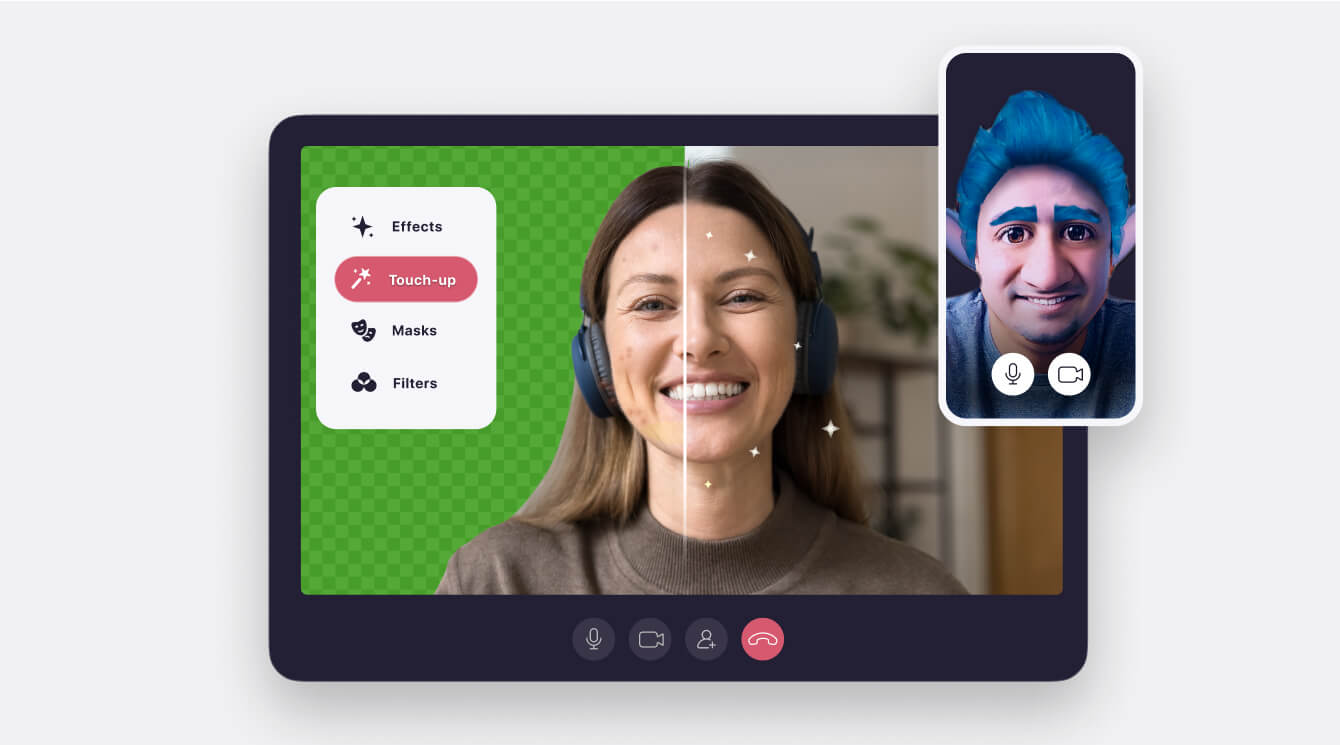
The same SDK adds hand-gesture recognition across five gestures, background separation and bokeh, a touchless interface, and glasses detection that removes real frames before rendering virtual ones.


Why Choose Banuba
Integrate a face API that runs where your users are.
- On-device by default. Detection, tracking, and segmentation all execute locally, so no frame is uploaded and there is no per-request charge as usage grows.
- 10+ years building face detection and tracking technology, with patented face tracking algorithms.
- Trusted by Samsung, Gucci, Depop, ME Group and ADNOC, across eCommerce, entertainment and connected devices. One customer shipped Banuba face tracking to 500,000 devices per year.
- Diverse training datasets keep accuracy stable across skin tones, ages and lighting conditions.
Banuba’s Face API Benefits
For Developers
- Options for Android, iOS, Web, Windows, macOS, Unity, Flutter and React Native
- Detection, tracking, segmentation and signals for face matching in the same SDK
-Documentation, per-platform GitHub samples, Agent skills, and a dedicated support manager
- Works on still images, a live camera feed, or prerecorded video
For Businesses
- Shorter time-to-market: license a working face stack instead of building one
- MAU-based pricing, with no per-request fee
- On-device processing keeps face data on the user's phone
- License only the features your product actually ships
How to Integrate AI Face Detection
Banuba Face API supports Web, Windows, macOS, Android, iOS, Flutter, React Native and Unity.
- Fill in the form to receive the trial token and SDK.
- Follow the email instructions to start your 14-day free trial with full SDK access.
- Build against the Face AR SDK documentation and the sample project for your platform.
- Ship face detection, tracking, segmentation and face match in your app.
Face AR SDK Technical Requirements
Face AR SDK supports HTML5, iOS, Android, Windows, macOS, Unity, Flutter and React Native. It runs on iOS 13+ / Android 8.0+ devices with a 1280x720 camera (recommended) at min 30 FPS

Mobile
Android 8.0, API level 26+
iOS 13+


Desktop
Windows 8.1+
MacOS 10.13+
Ubuntu 18.04+


Web
Mobile: Chrome, Firefox, Safari.
Desktop: Chrome, Firefox, Safari.


Face API Use Cases by Industry
Banuba Face API is in production across many industries.
-
eCommerce and Retail
Face tracking, lip and eye segmentation and pupillary distance power makeup, eyewear and jewelry try-on.
-
Entertainment & Social Media
Face filters, AR masks with scripting, beautification, hand-gesture control and expression triggers.
-
Verification and access
1:1 face match against one reference image, plus head pose, eye openness, gaze, blink and pulse signals for a liveness challenge your app defines. Banuba supplies the signals, not an identity product.
-
Automotive
In-cabin monitoring from the same signals: head pose, eye openness, gaze and heart rate.


-
Banuba Face API is licensed as part of Banuba Face AR SDK, priced on monthly active users. There is no per-request or per-image fee once you have integrated, so cost tracks your user base rather than your call volume. A 14-day free trial gives full SDK access. The Banuba Face AR SDK pricing guide explains how the MAU bands work.
-
Yes. Banuba maintains Agent skills that give coding AIs structured knowledge of the SDK, its configuration and its integration workflow.
-
Face detection locates a face in an image or video frame. Face recognition establishes whose face it is. Banuba Face API does detection and real-time tracking, and for identity it supplies the functionality to create 1:1 and 1:N face match, comparing a face to one reference images you supply.
-
Banuba Face API gives you the inputs for a liveness check rather than a finished verification product. It tracks head pose, eye openness, mouth movement, gaze and pulse, and supports active liveness triggers such as blink, smile or head turn, so your app can issue a challenge and confirm the response. Banuba's liveness detection guide walks through combining active and passive checks. The decision logic and any KYC or compliance layer are yours to build.
-
Yes. Banuba Face API is optimised for limited processing power and requires Android 8.0 or later, or iOS 13 or later, with a 1280x720 camera recommended. Detection and tracking hold min 30 FPS on mid-range mobile hardware, and the SDK selects quality settings for the device automatically, so a broad-install-base app does not need a separate low-end code path.
-
It depends on where the processing has to happen. Cloud APIs such as Amazon Rekognition and Microsoft Azure AI Face are strong for batch processing and large-scale identity search, and they bill per request. Banuba Face API is built for the other case: real-time face detection, tracking and AR on the user's own device, across eight platforms, with an option to no image leaving the phone and no per-request charge. Banuba has 10+ years of computer vision work and patented tracking behind it. See the face detection SDK page for the detection feature set.
-
Android, iOS, Web, Windows, macOS, Unity, Flutter and React Native, from one licence. Requirements are OpenGL ES 3.0+ on mobile, OpenGL 4.3+ on desktop (4.1+ on macOS), and WebGL 2.0+ in the browser. The full requirement matrix is in the Face AR SDK documentation.
-
By default, Banuba Face API runs entirely on the device: the camera frame is processed on the phone, browser or desktop and is not uploaded anywhere. That is why there is no per-request pricing, and it is the reason on-device processing is the most repeated request in Banuba's own enquiries. Banuba's Face AR SDK uses the same local pipeline. However, if your project requires sending (e.g. for 1:N matching), this can be done.