A must-have for mobile videos
Over 80% of video content is watched in silent mode. AI-generated subtitles ensure that the clips made in your app will be watched. Moreover, they save users a lot of time and effort.

How AI captions work:
- Artificial intelligence picks up the sound;
- The AI captions system converts the audiowaves into a format it can process;
- AI picks up individual sounds that form the words;
- The system recognizes specific words based on sound combinations;
- Artificial intelligence processes the text to understand the context;
- AI-generated captions are shown in the video.
Advantages of AI subtitles
Video Editor SDK Features
Complete feature set for the product. See VE SDK pricing guide for details.

Camera
Hands-Free Mode
Zoom, Exposition
Recording Speed
Background Music Browser
Flash/Torch
Video Recording
Video Reactions
(Picture-In-Picture)

Video Editing
Trimming & Concatenation
Splitting
Aspect Ratios
Editing Timeline
Voice Recording
Background Music Browser
Drafts
Soundstripe, Mubert integrations

Graphical Effects
25 Color Filters / LUTs
10 Visual Effects
Slow Motion & Fast Forward
Text Captions
GifYou API Integration
Voice Effects
AR masks
Face AR API Integration
Technical Requirements
What you need to get subtitles for Swift, Java, Kotlin, Flutter and React Native SDKs. Use our agent skills to integrate AI captions faster.
-
![icon ios]()
iOS
iOS 15.0+
Swift 5.9+
Xcode 26+ -
![icon android]()
Android
Kotlin 2.1+/Java 17
Android OS 8.0+ with Camera 2 API
OpenGL ES 3.0 (3.1 for Neural networks on GPU)


How Our Customers Succeeded
%20(1).jpg)
-
Full-fledged video editing suite
-
Recording content without leaving the app
-
Expanded effects library
-
Royalty-free music provider integration
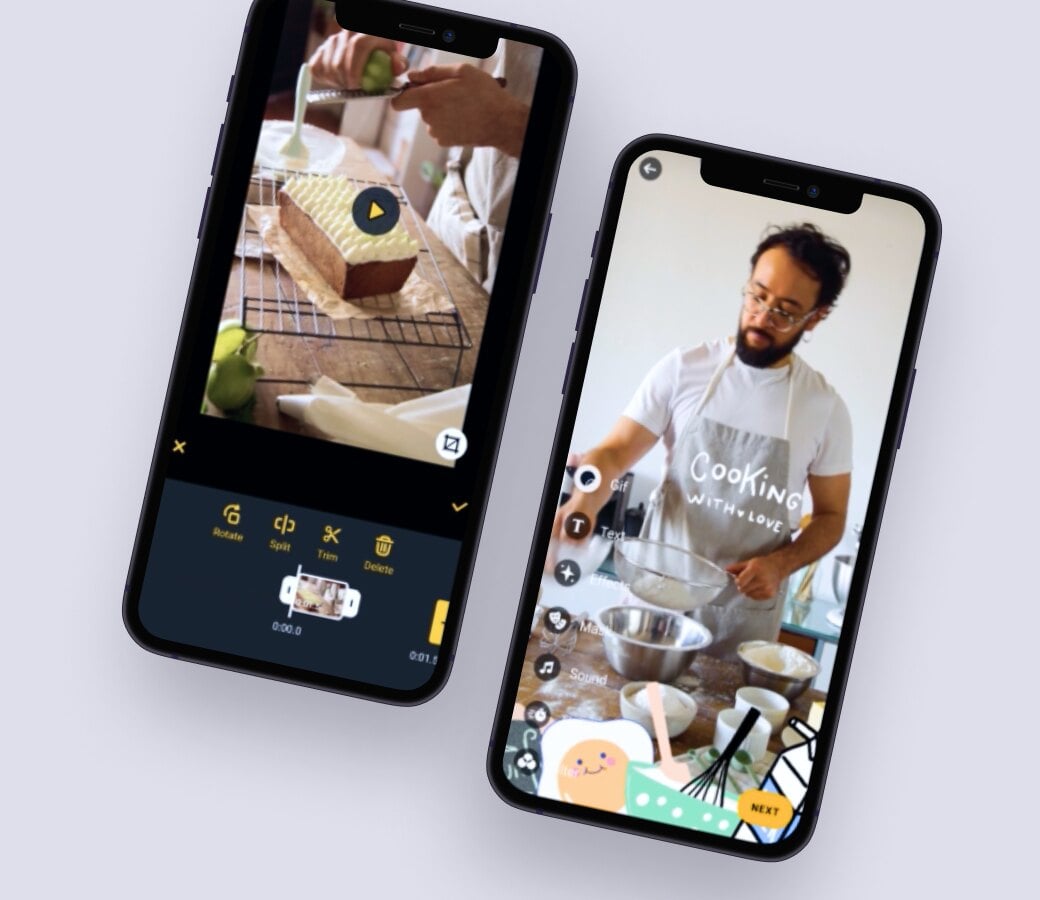
- The video editor SDK offered all the core features for a short video social network
- Total development time decreased by 50%
- High user ratings and positive reviews
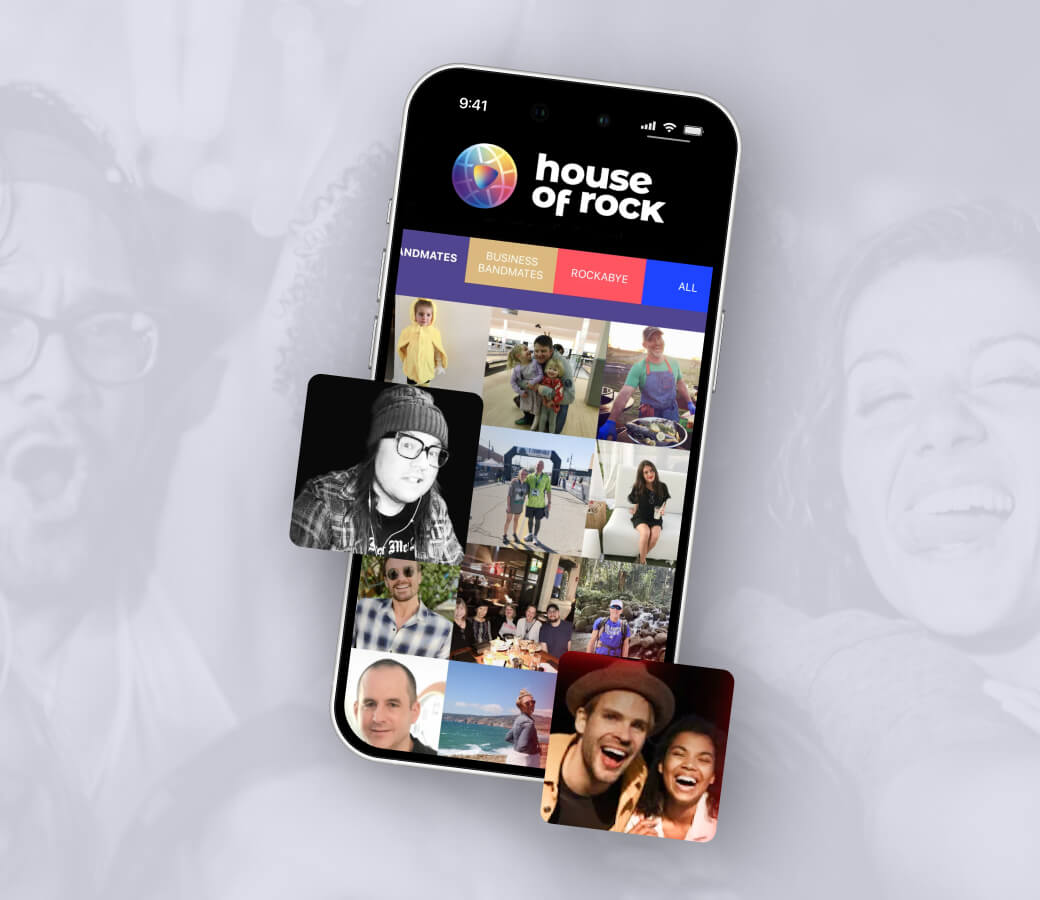
Helping an innovative app launch faster and impress users.
- Banuba delivered augmented reality effects and video editing features
- Positive user reviews
- Drastically cut the time-to-market
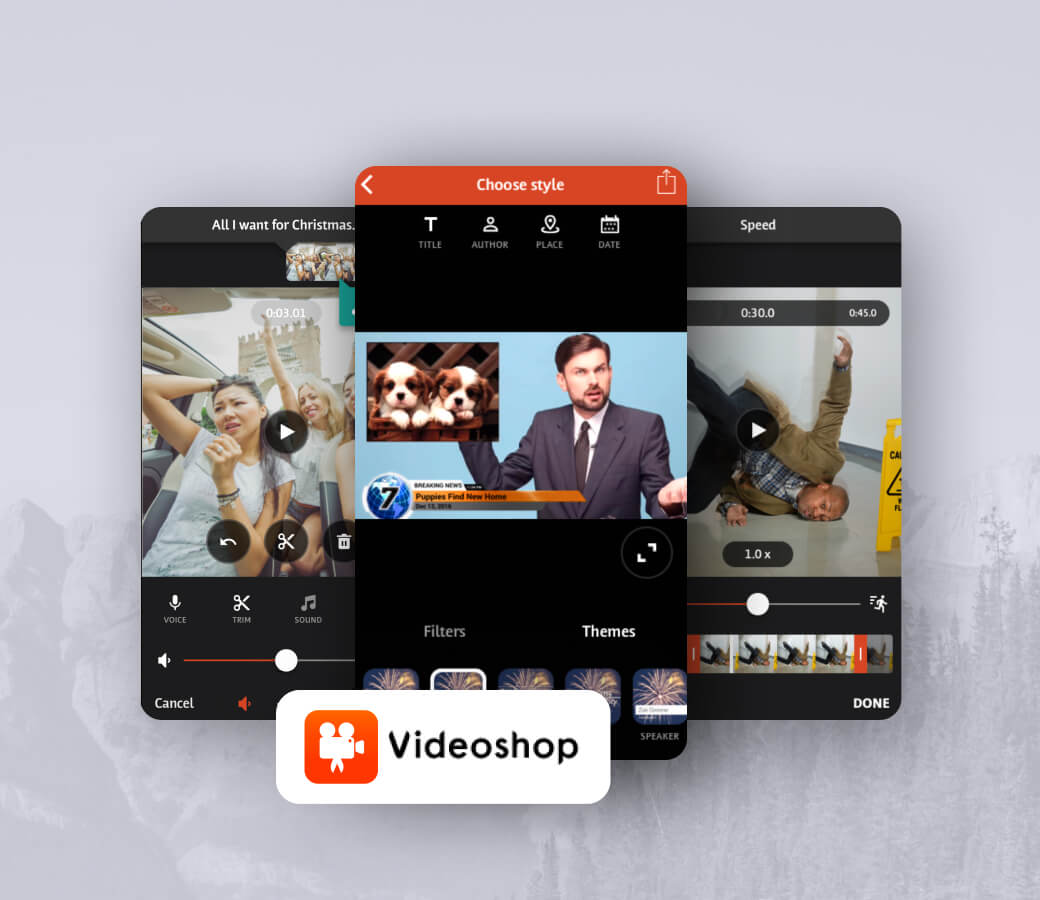
Adding augmented reality effects to enhance content creation experience.
- Virtual backgrounds, 3D filters, touch-up, interactive effects
- 4.6/5 on PlayMarket, 4.9/5 on AppStore
- 20M+ downloads
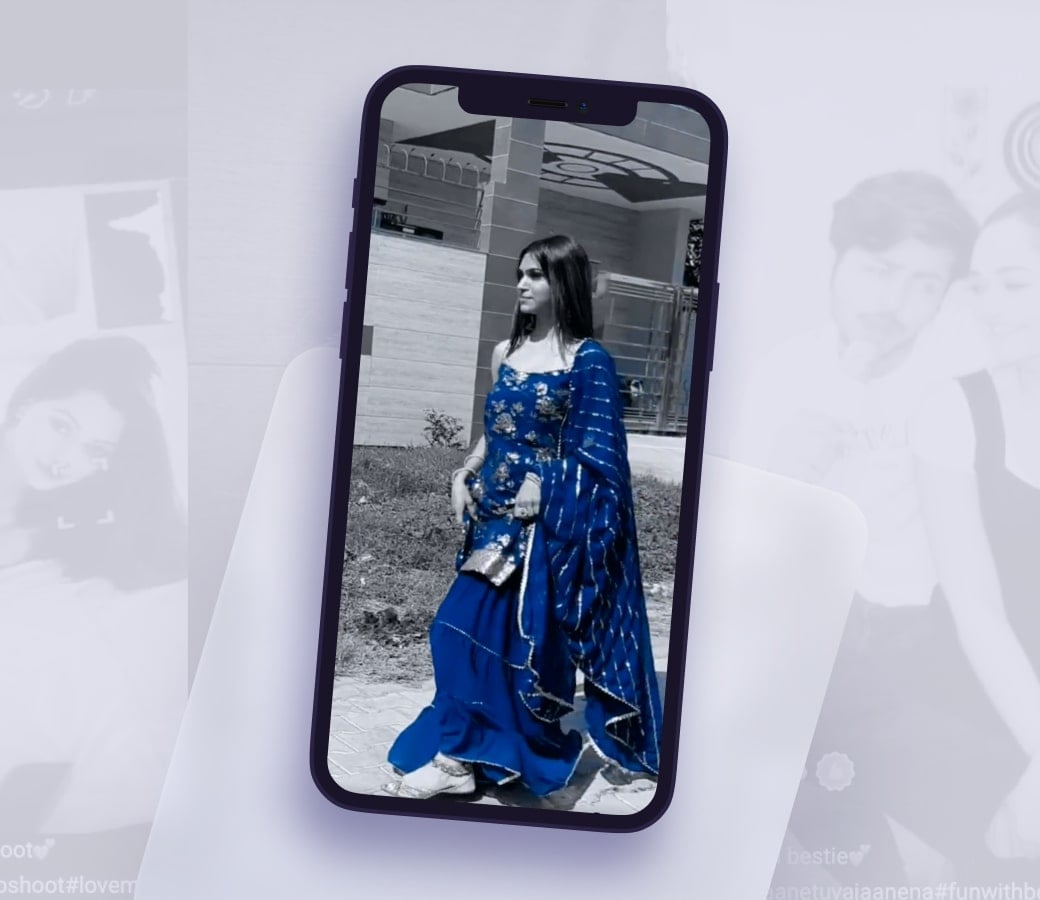
- Video and audio editing tools similar to TikTok.
- Users create and share entertaining content using video editing features and effects.
- Awards based on how viral the video becomes.
- Uniquely Indianised AR filters.
- 550,000 downloads in just ten days, over 2.5 million downloads total.
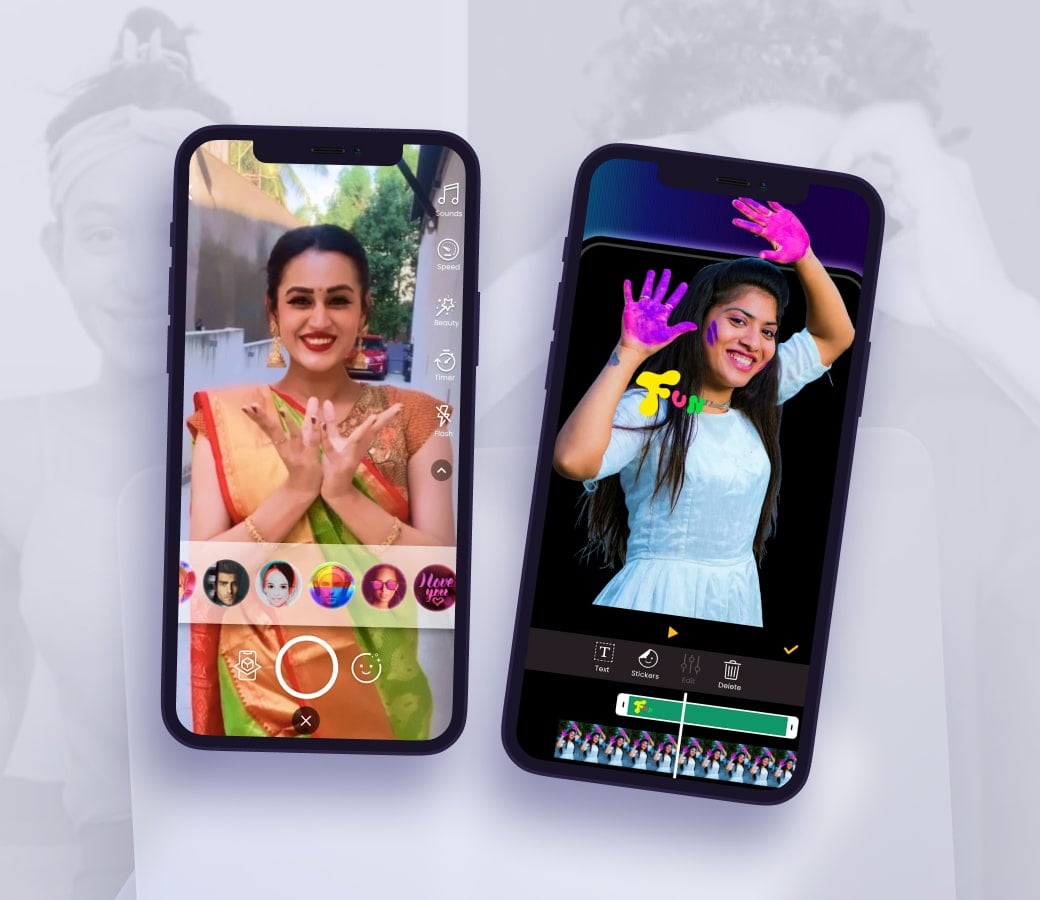
- Helping young audiences express their talents with video creation.
- Record 15-second video clips using a built-in mobile video editor.
- Easy and intuitive video editing features.
- Most popular and trendy video processing effects.
- Fun AR filters to apply in live mode or after recording.