Selected by Hundreds of Leading Brands








AI & ML Technologies Behind Face Recognition
Face detection & tracking
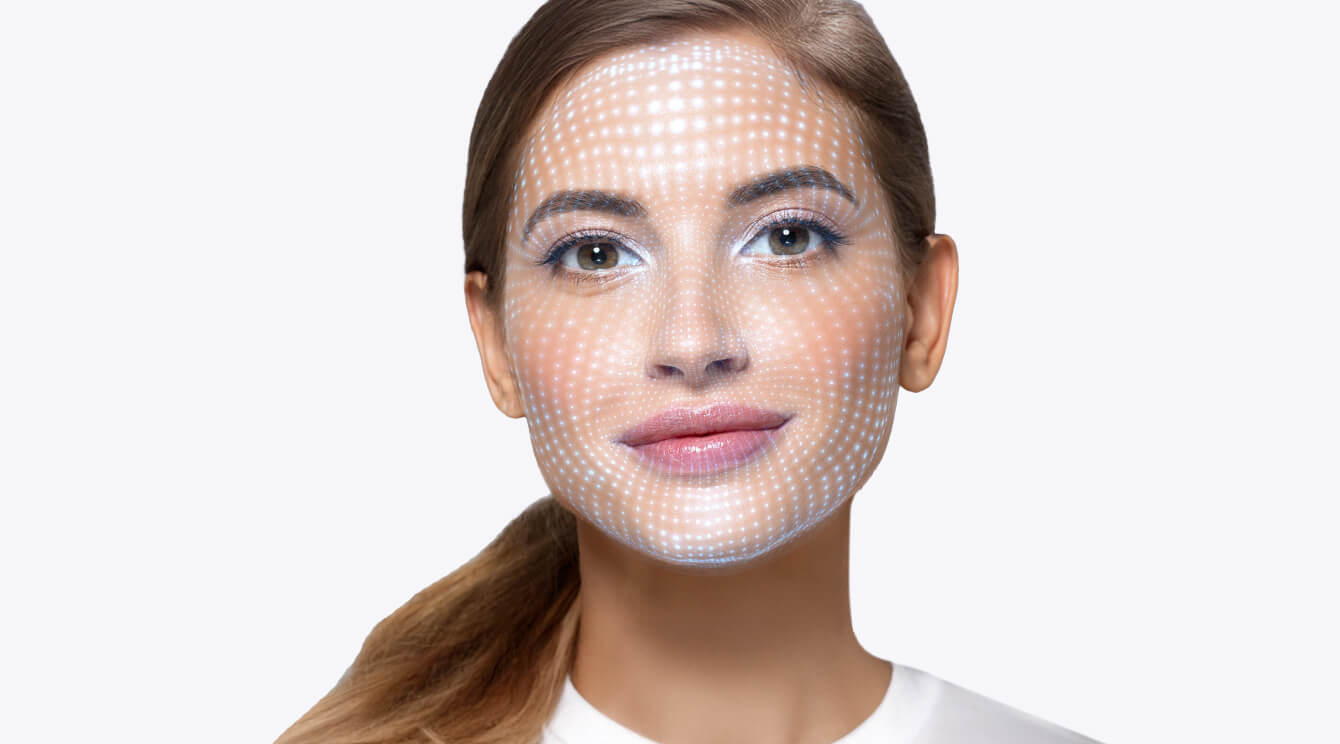
A must-have component of any face recognition SDK & Face API, this technology allows locating a human face in the picture or video frame. Works both with still images and in real time, and performs even in low light and with a face partially covered.
Face verification & identification
Banuba’s SDK can handle both 1:1 face verification and 1:N face identification. It detects the positions of 68 facial landmarks (eyes, nose, lips, etc.) and compares a new image to the baseline. Then it determines the percentage of similarity between them.

Liveness Detection & Anti‑Spoofing
Banuba’s liveness detection SDK can track the following parameters:
— Head pose
— Eye openness
— Mouth movements
— Emotion expression
— Gaze tracking
— Pulse detection.
This provides reliable data for active and passive detection that the developers can implement themselves.
Gender detection
Banuba’s advanced gender detection adds a crucial, non-invasive layer to your identity verification process. By analyzing facial features in real-time, the face recognition SDK ensures that the person presenting the ID matches the live individual, enhancing security.

Technical Features
Face Recognition SDK supports HTML5, iOS, Android, Windows, macOS, Unity, Flutter and React Native. It runs on devices starting from iOS 13+ / Android 8.0+ with a 1280x720 camera (recommended) at min 30 FPS.

Mobile
Android 8.0, API level 26+
iOS 13+


Desktop
Windows 8.1+
MacOS 10.13+


Web
Mobile: Chrome, FireFox, Safari.
Desktop: Chrome, FireFox, Safari.


What is Banuba’s Face Recognition SDK?
A secure, easy-to-integrate AR face recognition module for web, mobile, and desktop apps.
- Off-the-shelf face recognition software SDK – integrate with your application in a few lines of code.
- Detects & tracks faces
- Compares faces in the video/photo to ones stored in the database
- Liveness detection – facial matching SDK prevents authentication bypassing with a photo
- Deep learning-based recognition for extra accuracy under different angles and lighting conditions
Key Features of Banuba Facial Recognition API & SDK

Quick integration
Install facial recognition SDK in minutes thanks to low-code approach and convenient distribution.

Optimization
Low power consumption and heating. High performance even on midrange devices.

Inclusivity
AR face recognition technology that works with people of all skin tones, nationalities, etc.

Multiplatform capability
Versions of face recognition SDK available for native iOS & Android, Flutter, React Native, Windows, Mac, Web, and even Unity.

Flexibility
The neural networks can receive additional specific training (e.g. for tiredness detection) if the client requests it.

Robustness
Reliable AR face recognition even in low light environments and with a face partially covered.
Why Choose Banuba for Face Recognition?
- Industry-leading accuracy. AR face recognition system trained on a diverse dataset of over 200.000 photos.
- Patented technology backed by 9+ years of research and 100+ years of combined R&D expertise.
- Integrate face recognition separately or together with other features within the face tracking software (scripting & rendering engines, eye tracking, hand tracking, etc.)
- Global adoption. Trusted by 120+ companies worldwide.
- Responsive support. Dedicated manager, fast-replying support, and additional help on the community page.
Assortment of Immersive Applications
-
Fintech & Banking
Ensure compliance with KYC/AML regulations and prevent fraud.
-
Access Control
Prevent unauthorized people from getting into places they shouldn’t.
-
Healthcare
Protect the patients’ privacy and maintain information security.
-
Retail
Personalize your approach and stop conmen in their tracks.
-
Consumer apps & Gaming
New, secure login options or impenetrable parental controls.
-
Workplace control
New, secure login options or impenetrable parental controls.


How to Integrate Banuba’s Face Recognition SDK?
- Press "Get free trial"
- Fill in the form to get a 14-day free trial
- Follow the integration guide
- Review quickstart code samples
- Deploy and test
-
To test Banuba’s Face Recognition SDK, send us a message via a contact form. You will have 14 days to check out face recognition, verification, and anti-spoofing features for yourself with no strings attached.
-
Banuba’s facial recognition SDK has versions for native Android & iOS, as well as React Native, Flutter, Web, Mac, Windows, and Unity Engine. But it is flexible enough to be adapted to other platforms as well.
See the detailed information in the SDK documentation. -
Banuba’s face recognition SDK is designed to process everything on the end device. This ensures that the information is not intercepted. In addition, it doesn’t store any personal data, remaining secure by design.
-
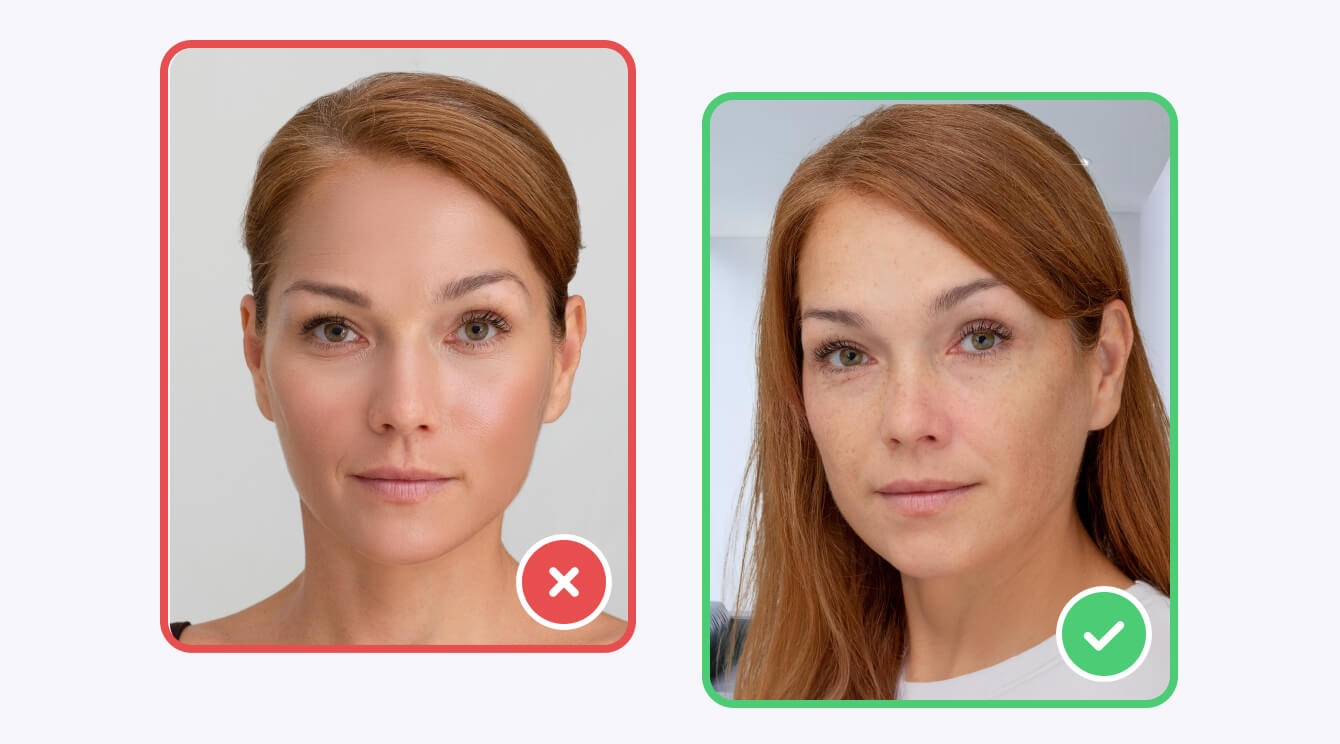
Aside from technical improvements like using a diverse training dataset and advanced loss functions, you can use the following best practices for end users:
- Request frontal face images
- Prevent occlusion
- Ask for images taken in good lighting conditions
- Warn users about using low-resolution images
-
If you have questions regarding Banuba face recognition SDK or need custom development work, please contact us.
Additional resources that might be helpful:
Community portal for peer-to-peer advice and support from the development team.
-
Yes. The Banuba Face Recognition SDK & API includes an LLM-friendly documentation file designed for AI-assisted development and internal knowledge systems:
Banuba Face Recognition SDK & API LLM-friendly documentation (llms-full.txt)
This structured Banuba Face Recognition SDK & API text file can be used with AI tools to streamline onboarding and developer workflows.
-
The official technical documentation for Banuba Face Recognition SDK & API is available online and includes requirements, setup instructions, and configuration details:
Banuba Face Recognition SDK & API iOS documentation
Banuba Face Recognition SDK & API Android documentation
Banuba Face Recognition SDK & API Flutter documentation
Banuba Face Recognition SDK & API Rect Native documentation
Banuba Face Recognition SDK & API Web documentation
Banuba Face Recognition SDK & API Unity documentation
Banuba Face Recognition SDK & API Desktop documentation
This Banuba Face Recognition SDK & API documentation should be your primary reference during integration.
-
You can access official integration code samples for the Banuba Face Recognition SDK & API on GitHub. Banuba provides platform-specific examples to help you integrate faster:
Banuba Face Recognition SDK & API iOS integration code sample
Banuba Face Recognition SDK & API Android integration code sample
Banuba Face Recognition SDK & API Flutter integration code sample
Banuba Face Recognition SDK & API React Native integration code sample
Banuba Face Recognition SDK & API Desktop integration code sample
Banuba Face Recognition SDK & API Web integration code sample
Banuba Face Recognition SDK & API Unity integration code sample
These Banuba Face Recognition SDK & API repositories include setup instructions and minimal working examples for quick deployment.
-
The Banuba Face Recognition SDK & API provides official cross-platform plugins to simplify integration into hybrid applications:
Banuba Face Recognition SDK & API Flutter plugin
Banuba Face Recognition SDK & API React Native plugin
These Banuba Face Recognition SDK & API plugins are maintained by Banuba and support faster implementation for cross-platform apps.