Easy integration and customization
Banuba Video Editing API lets your app keep its own UI while calling the recording, trimming, effects and export pipeline directly. Integration takes 1 to 2 days on a supported platform. The Video Editor SDK ships a finished editor interface instead.
AI clipping
Banuba's AI Clipping takes three or more raw clips, selects the strongest moments with a neural network, joins them, places the transitions, and matches the cut to the beat of the music track. Music comes from the built-in Banuba Music library or a royalty-free music provider.
Virtual backgrounds
Real-time background subtraction keeps the person and replaces everything behind them, with no green screen and no physical setup.
AI Subtitles
Captions generated automatically from the audio track, or typed manually, with control over font, size and color.
Picture-in-picture
Two video sources in one frame. This is what powers duets and reaction videos in TikTok-style apps, and it is the single feature that most reliably raises the volume of user-generated content in a social app.
Transition Effects
Ready-made transitions between clips so a multi-clip cut reads as one continuous video rather than a set of joins.
Masks and filters
3D face masks and effects at the level users expect from TikTok or Snapchat: color filters, visual effects, slow motion and fast forward, plus dynamic trigger effects.
Features
Every capture, edit and export function in Banuba's video editing API, callable from your own interface

Camera
Hands-Free Mode
Zoom, Exposition
Recording Speed
Background Music Browser
Flash/Torch
Video Recording
Video Reactions
(Picture-In-Picture)

Video Editing
Templates
Slide-Show from Photos
Trimming & Concatenation
Splitting
Export up to 4K UHD
Editing Timeline
Voice Recording
Background Music Browser
Drafts
Banuba Music
Background export

Graphical Effects
25 Color Filters / LUTs
10 Visual Effects
Slow Motion & Fast Forward
Text Captions
GifYou API Integration
Voice Effects
AR masks
Face AR API Integration
Inspirational Customer Stories
%20(1).jpg)
- Full-fledged video editing suite
- Recording content without leaving the app
- Expanded effects library
- Royalty-free music provider integration
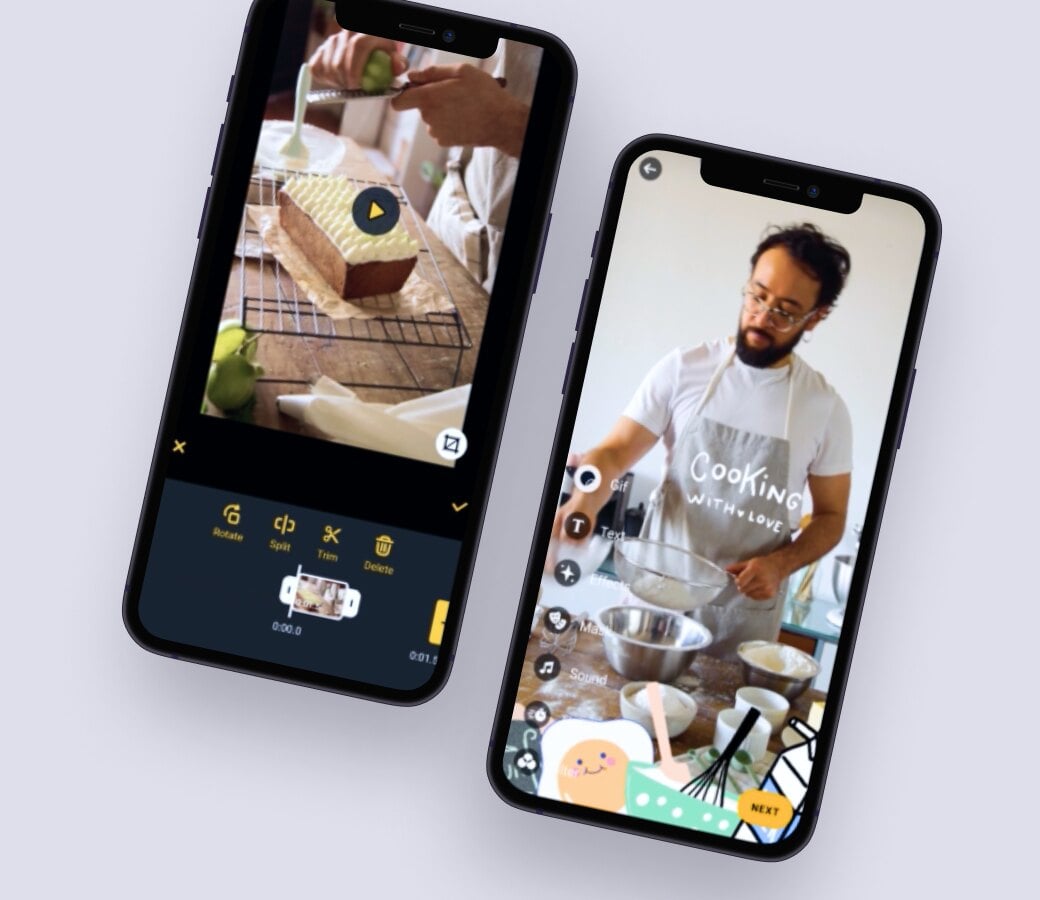
- Banuba covered the core feature set for a short-video social network
- 50% of product development time saved against building it in-house
- High user rating and positive reviews
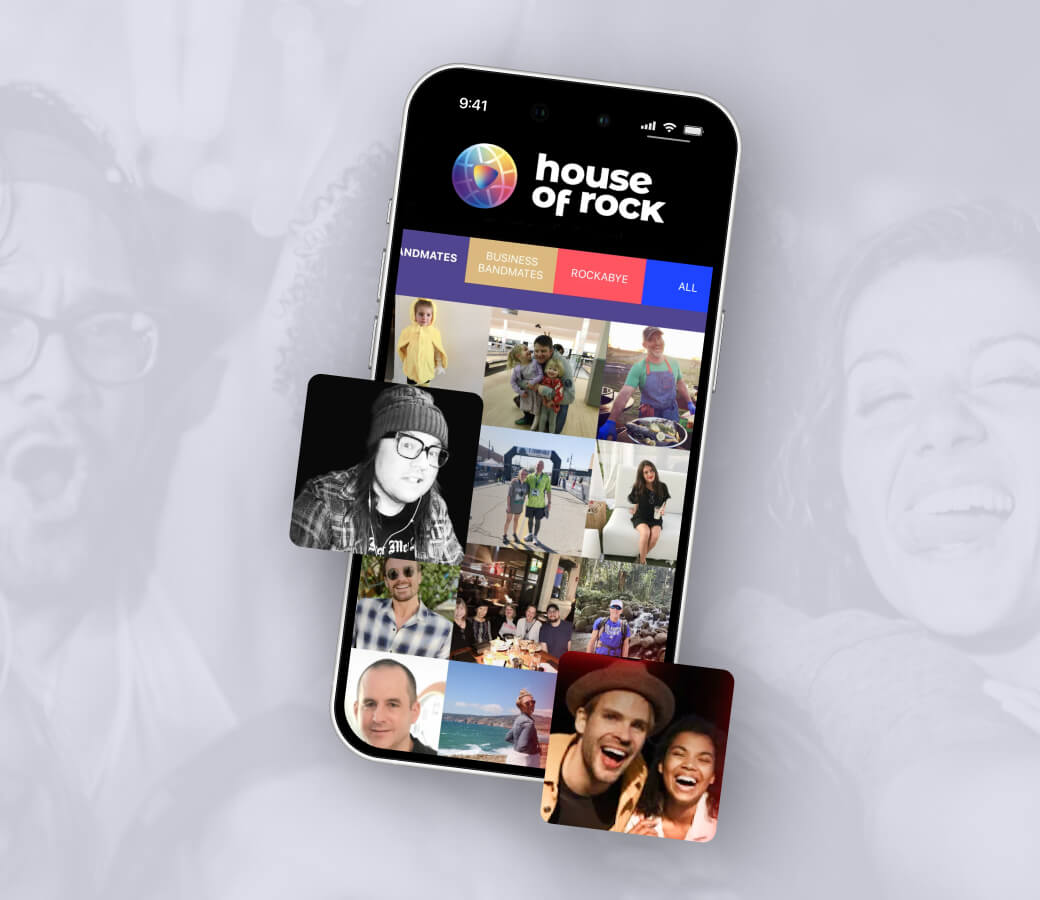
A US startup combining travel and short-form social video
- Banuba delivered the augmented reality effects and the video editing features
- Positive early user reception in North America
- Cut the time-to-market that writing the editor from scratch would have cost
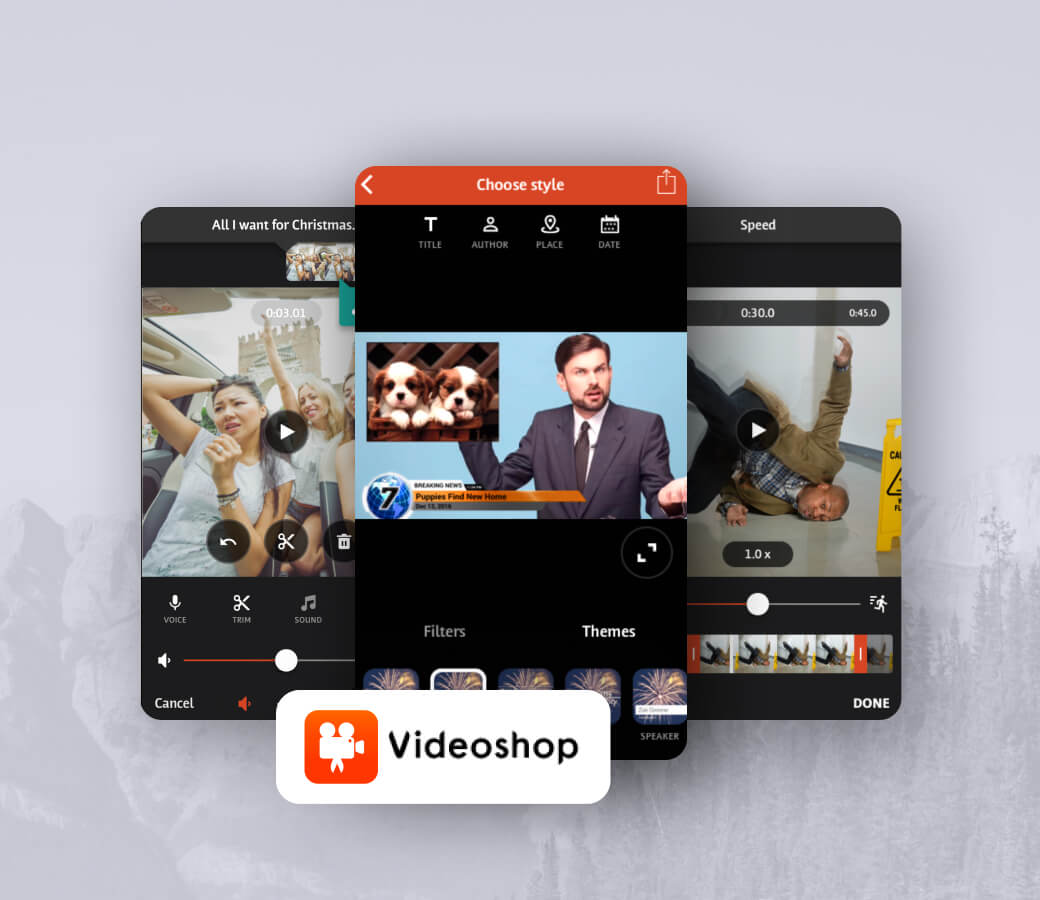
Adding augmented reality effects to an established editing app.
- Virtual backgrounds, 3D filters, touch-up, interactive effects
- 4.6/5 on PlayMarket, 4.9/5 on AppStore
- 20M+ downloads on iOS and Android
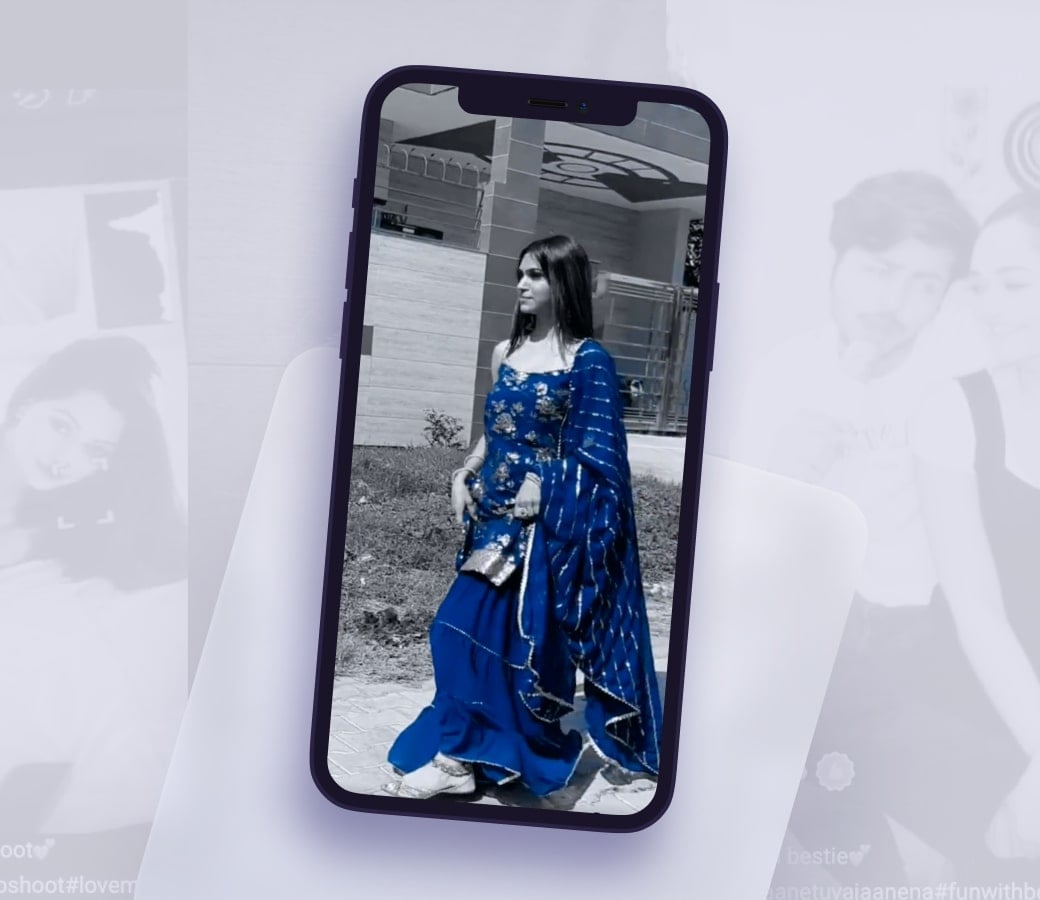
- ideo and audio editing tools on par with TikTok, plus Indianized AR filters
- 550,000 downloads in the first 10 days
- More than 30 million downloads within 3 months
- $88M raised in funding after launch
- 4.5 average app rating on both iOS and Android
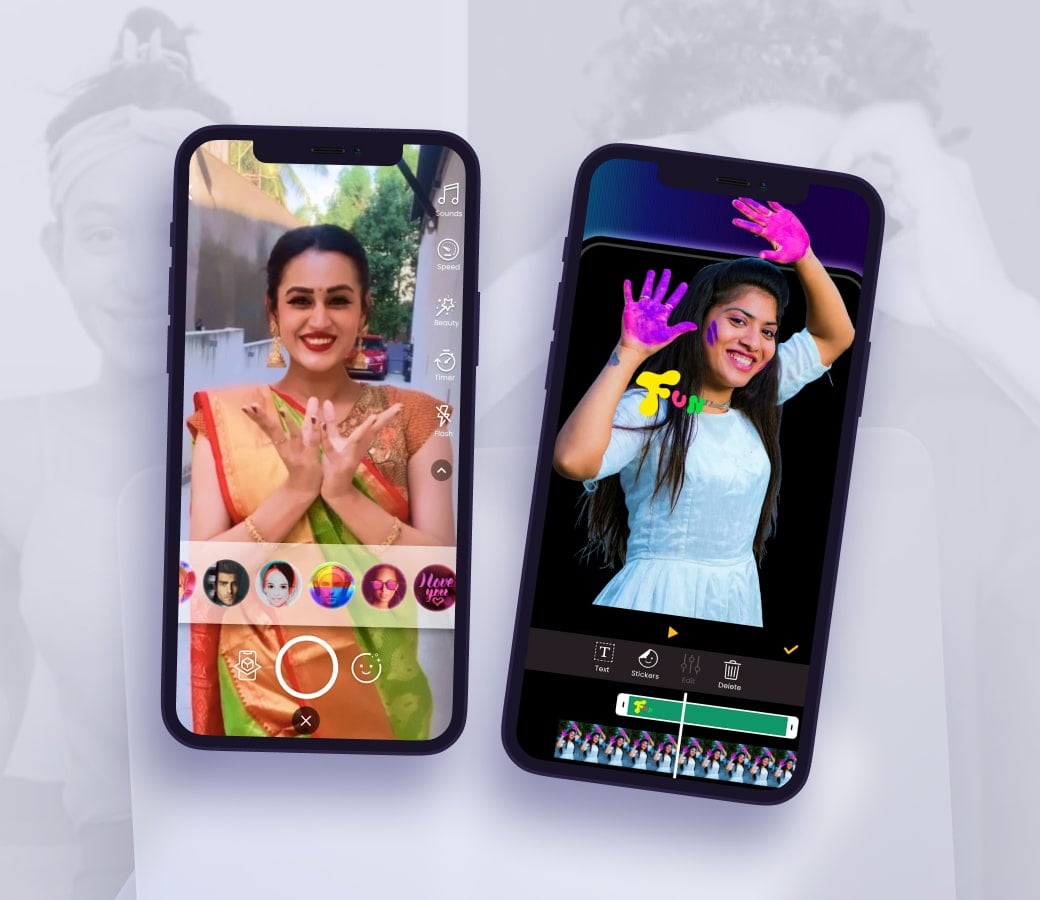
- Built for young audiences recording 15-second clips in-app
- Easy, intuitive editing built on Banuba's mobile video editor
- Trending video processing effects
- AR filters applied live or after recording












Why Banuba Video Editor API?

Quick integration
A complete content creation suite in 1 to 2 days. Banuba's Agent skills let an AI coding assistant do the work, to save the developers' time.

Many features
Everything from basic trimming to advanced filters and AI-enhanced functionalities.

Cross-platform support
Works with native iOS and Android apps, as well as Flutter and React Native.

Optimization
Runs smoothly on 90% of mobile phones, giving you access to the widest possible audience.

Customization
Your icons, colours, text styles, localisation and user flow. The API exposes the pipeline so the screens stay yours.

Security
Recording, editing and export all run on the device. User media is processed locally and is not uploaded to Banuba.
Technical Requirements
Banuba Video Editor API supports React Native and Flutter, as well as native technologies.
-
![icon ios]()
iOS
iOS 15+
Swift 5.9+
Xcode 26.0+
✅ arm64, ✅ arm64e, ❗ x86-64 limited support -
![icon android]()
Android
Kotlin 2.1+/Java 17+
Android OS 8.0+ with Camera 2 API
OpenGL ES 3.0 (3.1 for Neural networks on GPU)
✅ arm64-v8a , ✅ armv7, ❗ x86-64 limited support, ❌ x86 - no support


Use Cases
-

Photo/Video apps
Fast capture, a full editing timeline and export up to 4K UHD, so a dedicated editing app has no reason to build its own pipeline.
-
Social media
The feature set behind TikTok-style and Reels-style feeds: AI clipping, picture-in-picture, AR masks and beat-matched video.
-
eCommerce
Let shoppers record reviews, unboxings and how-to clips in your app. First-hand video from real buyers raises confidence far more than product photography.
-
Lifestyle apps
Vlogging for people who have never edited a video. Templates and AI clipping turn raw footage into something postable without a learning curve.
-
Marketing
In-app video creation for brand campaigns and creator programs, with effects that give the output a reason to be shared.
-
eLearning
Microlearning content recorded and captioned inside your platform, for academic courses and corporate training alike.


-
Banuba licenses the Video Editing API based on the number of Monthly Active Users. There are no per-developer-seat fees, and add-ons such as integration assistance or custom feature development are quoted separately. The full breakdown is in the VE SDK pricing guide.
-
Banuba publishes runnable integration samples on GitHub for every supported platform: iOS API sample, Android API sample, and for the SDK build iOS, Android, Flutter and React Native.
-
Yes. Banuba ships Agent Skills, knowledge packs that install into Claude Code, Codex and Qwen Code and give the assistant offline access to the Video Editor documentation plus autonomous scaffolding for a new project. The walkthrough is at docs.banuba.com.
-
The SDK ships a built-in editor interface and the widest feature set, for teams that want the editor to work out of the box. The API exposes the same engine without the interface, so you build the screens and control the user flow. Teams that already have a design system usually take the API.
-
Yes, a 14-day trial with no credit card required, and every feature is available during it. Request a trial token and test the API now.
-
Yes. Banuba's Video Editing API carries no Banuba branding in your app: you supply the icons, colours, text styles and localisation, and with the API you own the screens outright. The one documented limit is that the SDK build cannot reorder its screens after the entry point, which is precisely why the API exists.
-
Partly. Banuba's AI clipping takes three or more clips, picks the strongest moments, joins them, places the transitions and matches the cut to the music beat, so a user posts without touching a timeline. Trimming, captions and export can all be triggered programmatically from your own code.
-
The full integration documentation, including per-platform requirements, customization and export options, is at docs.banuba.com.
-
Teams looking for a Creatomate alternative can compare template-based rendering, API flexibility, and pricing across several providers in our Creatomate alternatives guide, including Banuba's video editing API.