Selected by Hundreds of Leading Brands








AI & ML Technologies Behind Face Liveness Detection
Face detection & tracking
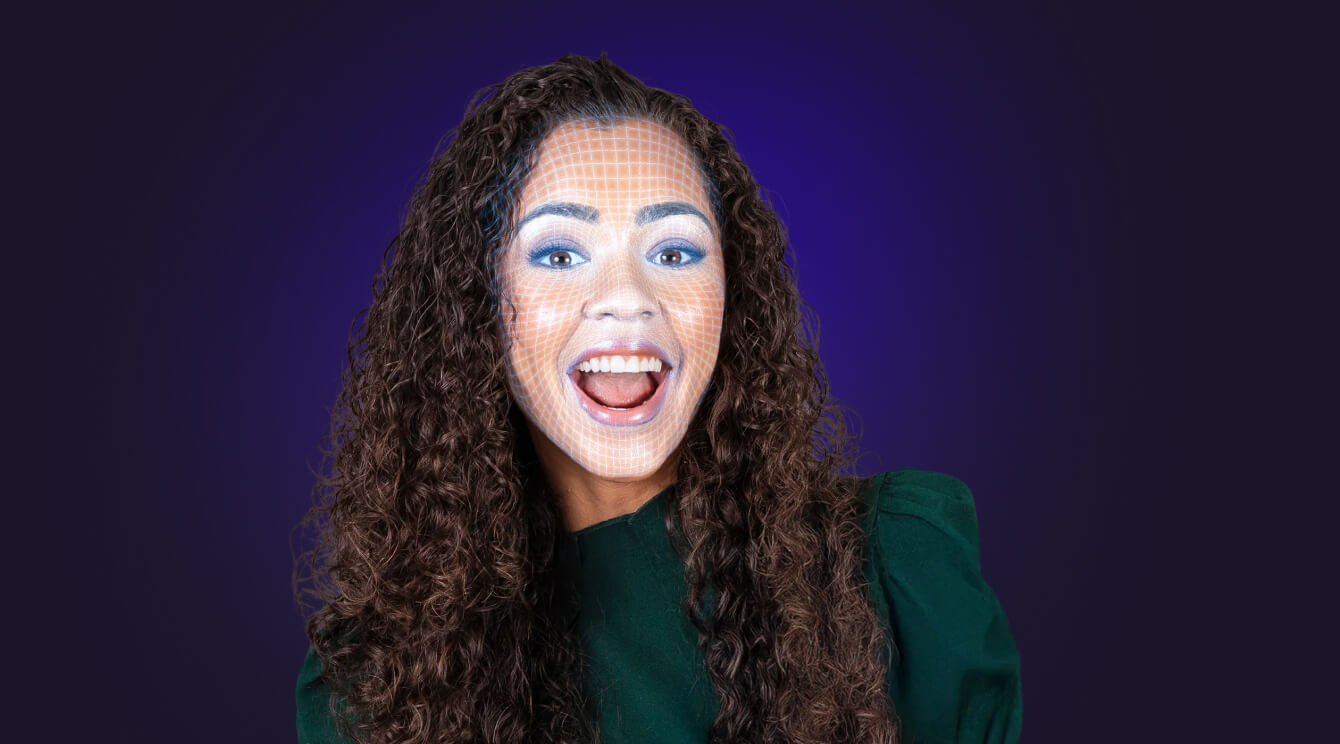
The core of Banuba Face Liveness SDK is real-time face detection and face tracking software. The SDK reliably locates faces in video streams and monitors their position, even under challenging conditions such as partial occlusion, varying lighting, or camera movement. These signals form the foundation for accurate liveness evaluation.

Facial motion & behavior analysis
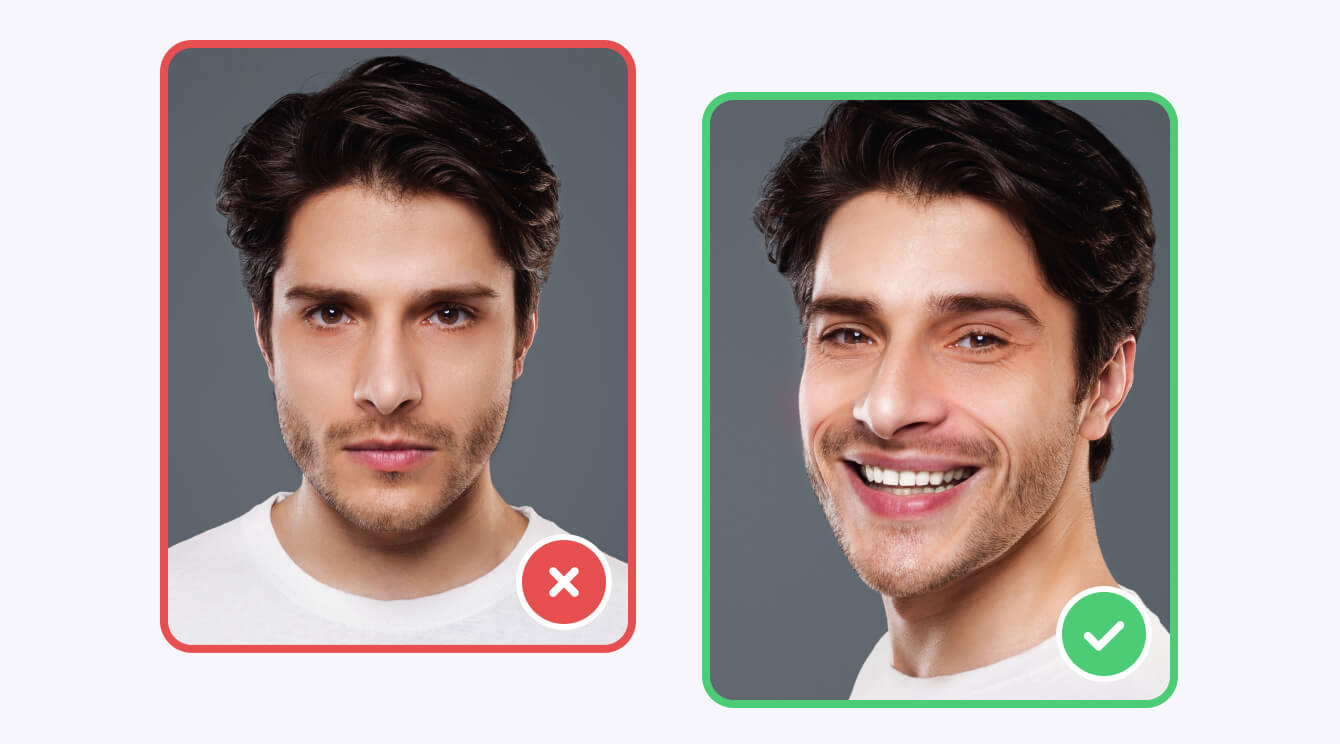
The SDK tracks key facial parameters used for liveness detection, including head pose, eye openness, mouth movements, gaze direction, and facial expressions. These signals allow developers to build active and passive liveness checks that confirm natural human behavior and avoid getting tricked by static or replayed media.
Liveness Detection & Anti‑Spoofing
Banuba Face Liveness SDK provides developers with reliable low-level signals for implementing anti-spoofing logic tailored to their product requirements. Thanks to easy integration and secure design, it offers plenty of freedom in creating user-friendly and safe verification scenarios.
Physiological signal estimation
Banuba Face Liveness SDK can estimate subtle physiological signals, such as pulse from facial regions, providing additional data points for distinguishing live users from spoofing attempts.

Technical Features
Face Liveness SDK is delivered as part of Banuba Face AR SDK and supports HTML5, iOS, Android, Windows, macOS, Unity, Flutter and React Native. It runs on devices starting from iOS 13+ / Android 8.0+ with a 1280x720 camera (recommended) at min 30 FPS.

Mobile
Android 8.0, API level 26+
iOS 13+


Desktop
Windows 8.1+
MacOS 10.13+


Web
Mobile: Chrome, FireFox, Safari.
Desktop: Chrome, FireFox, Safari.


What Is Banuba Face Liveness SDK?
A flexible, on-device liveness detection module for web, mobile, and desktop applications.
-
Off-the-shelf SDK integrated in a few lines of code
-
Tracks facial movements and behavioral signals in real time
-
Enables active and passive liveness detection
-
Designed to prevent spoofing with photos or video replays
-
Processes all data locally on the user’s device
Key Features of Banuba Face Liveness SDK

Quick integration
Low-code SDK delivered as part of Face AR SDK with clear documentation and sample projects.

Performance-optimized
Designed for real-time execution with low CPU usage and stable performance on mid-range devices.

On-device privacy
All processing happens locally on the device. No biometric data is stored or transmitted.

Cross-platform support
Available for iOS, Android, Web, Windows, macOS, Flutter, React Native, and Unity.

Flexible implementation
Developers control how liveness signals are used, combined, and validated within their own verification logic.

Robust tracking
Works reliably under different lighting conditions and with partial face occlusion.
Why Choose Banuba for Liveness Detection?
Assortment of Applications
-
Fintech & Digital Onboarding
Reduce fraud during user onboarding and account verification.
-
Access Control
Add an extra layer of security to authentication and login flows.
-
Healthcare & Insurance
Confirm real user presence while maintaining strict privacy requirements.
-
Retail
Personalize your approach and stop conmen in their tracks.
-
Consumer Apps & Gaming
Enable secure login, parental controls, or age-sensitive features.
-
Enterprise & Workplace Systems
Prevent unauthorized access to internal tools and resources.


How to Integrate Banuba Face Liveness SDK?
- Press "Get free trial"
- Fill in the form to get a 14-day free trial
- Follow the integration guide
- Review quickstart code samples
- Deploy and test
-
Face liveness detection verifies that a real person is physically present in front of the camera, while face recognition focuses on identifying or matching a person. Banuba Face Liveness SDK is often used alongside face recognition, but can also be implemented independently. Both capabilities, along with detection, tracking, and facial analysis, are also accessible through Banuba's Face API.
-
Banuba’s face liveness SDK has versions for native Android & iOS, as well as React Native, Flutter, Web, Mac, Windows, and Unity Engine. But it is flexible enough to be adapted to other platforms as well.
See the detailed information in the SDK documentation. -
No. All liveness detection processing is performed on the user’s device. The SDK does not store or send biometric data to Banuba servers.
-
Yes. The SDK provides real-time facial signals that developers can use to build active flows (user actions) or passive checks depending on their UX and security requirements.
To learn more, read our dedicated blog post on how face liveness works. -
If you have questions regarding Banuba face recognition SDK or need custom development work, please contact us.
Additional resources that might be helpful:
Community portal for peer-to-peer advice and support from the development team.
-
Yes. The Banuba Face Liveness SDK includes an LLM-friendly documentation file designed for AI-assisted development and internal knowledge systems:
Banuba Face Liveness SDK LLM-friendly documentation (llms-full.txt)
This structured Banuba Face Liveness SDK text file can be used with AI tools to streamline onboarding and developer workflows.
-
The official technical documentation for Banuba Face Liveness SDK is available online and includes requirements, setup instructions, and configuration details:
Banuba Face Liveness SDK iOS documentation
Banuba Face Liveness SDK Android documentation
Banuba Face Liveness SDK Flutter documentation
Banuba Face Liveness SDK Rect Native documentation
Banuba Face Liveness SDK Web documentation
Banuba Face Liveness SDK Unity documentation
Banuba Face Liveness SDK Desktop documentation
This Banuba Face Liveness SDK documentation should be your primary reference during integration.
-
You can access official integration code samples for the Banuba Face Liveness SDK on GitHub. Banuba provides platform-specific examples to help you integrate faster:
Banuba Face Liveness SDK iOS integration code sample
Banuba Face Liveness SDK Android integration code sample
Banuba Face Liveness SDK Flutter integration code sample
Banuba Face Liveness SDK React Native integration code sample
Banuba Face Liveness SDK Desktop integration code sample
Banuba Face Liveness SDK Web integration code sample
Banuba Face Liveness SDK Unity integration code sample
These Banuba Face Liveness SDK repositories include setup instructions and minimal working examples for quick deployment.
-
The Banuba Face Liveness SDK provides official cross-platform plugins to simplify integration into hybrid applications:
Banuba Face Liveness SDK Flutter plugin
Banuba Face Liveness SDK React Native plugin
These Banuba Face Liveness SDK plugins are maintained by Banuba and support faster implementation for cross-platform apps.
Proven AR and computer vision technology refined over 9+ years
On-device processing aligned with privacy-by-design principles
Modular SDK architecture that integrates seamlessly with other Banuba features
Trusted by 120+ companies worldwide
Responsive technical support and active developer community