-
![icon-hat]() Glasses and hat with an image correction
Glasses and hat with an image correction -
![icon-morphing]() Face morphing filter with deer ears
Face morphing filter with deer ears -
![icon-makeup]() Makeup and eye color with face morphing
Makeup and eye color with face morphing -
![icon-fox]() Fox with glasses and virtual background
Fox with glasses and virtual background -
![icon-glasses]() Glasses and hair dye (with a color filter)
Glasses and hair dye (with a color filter)





Face Filters SDK
Explore real-time 3D masks & AR face filters powered by the industry-leading face-tracking technology.
Selected by Hundreds of Leading Brands















Face Tracking Software
Immerse your users with Snapchat-like filters, AR lenses, and real-time facial animation. Our face filters SDK caters to individual creativity, offering captivating video effects.
Makeup
Let our face tracking neural networks do all the heavy lifting.
Users need only be concerned with which cosmetic product to try on first such as foundation, eyeliners, and lipsticks.
For a ready-made online retail deployment, see Banuba's virtual try-on for e-commerce platform covering makeup, glasses, jewelry, and more.
Hair Color
Integrate powerful algorithms that can detect and dye single strands of hair.
Combine realistic hair colorings with different lightings to produce engaging effects
Beautification
Leverage our multiple neural networks to segment and retouch facial features to produce professional photoshoot quality images and videos.
Our Beauty AR SDK offers a selection of beautification elements, including:
- Skin Smoothening
- Blemish Removing
- Teeth Whitening
- Eye circles and wrinkle removal
- Expressive eyes
Face Morphing
Our facial detection leverages hundreds of facial points to deliver real-time structural changes on places such as your nose, eyes, lips and chin.
The face tracking software algorithms are designed with realism in mind, ensuring reduced glitching when facial movement is detected.
Triggers
Preprogrammed or interactive AR scenarios (filters) that users can launch with facial expressions.
Our Augmented Reality SDK offers the following triggers:
Mouth open, Smile, Eye brows, Eyes (open/close).
Triggers are also the core building block of a touchless user interface, where facial expressions replace physical controls entirely.
Triggers can also be activated via hand tracking & gesture recognition, where specific hand gestures launch an AR scenario or controls.
Background
Hide that pile of laundry with our background subtraction filters, powered by a neural network that has detection accuracy better than that of most video-conferencing and streaming apps.
Background removal is also available as a separate background changer API if you don't need the full filter suite.
For full-body isolation beyond face detection, body segmentation handles the person cutout at the pixel level.
Avatars
Explore creative content possibilities with animated 3D avatars which are controlled with your own facial expressions.
Banuba's Avatar SDK algorithms go beyond simple mouth-moving to include:
- Individual eyebrow tracking
- Jaw movements
- Nose movements
- Mouth position
Game Filters
Give players an option to put on their “game faces” with cool 3D masks, or use facial expressions for game controls. You can use JavaScript to make effects trigger by opening mouth, moving eyebrows, tapping the smartphone screen, etc. This allows creating fun casual games where users can literally eat virtual objects or control their character with their face.
Frame Effects
Dynamic, transforming AR objects that make any video look magical, impressive, and very shareable. The system recognizes the user’s face and makes the effects stick to it. Combined with the AI SDK for smart clipping, it provides a foundation for smart video editing with AR effects.
LUTs
Color correction for entire videos, similar to what Instagram and TikTok offer. This includes both simple filters (black-and-white, sepia, etc.) and more outlandish color schemes.


What Face Filters SDK Includes
- Multi-Face Tracker
- SFX & Voice Changer
- Beautification
- 3D Renderer
- Filter Editor + Scripting
- DIY effect creation with Banuba Studio
- Sample Filters & Documentation
- Support & Consultancy
Technical Features
Face Filters SDK supports HTML5, iOS, Android, Windows, macOS, Unity, Flutter and React Native. It runs on devices starting from iOS 13+ / Android 8.0+ with a 1280x720 camera (recommended) at min 30 FPS.

Mobile
OpenGL ES 3.0+
Android 8.0, API level 26+
iOS 13+


Desktop
OpenGL 4.3+ (4.1+ for MacOS)
Windows 8.1+
MacOS 10.13+


Web
WebGL 2.0+
Mobile: Chrome, FireFox, Safari.
Desktop: Chrome, FireFox, Safari.


Case Studies
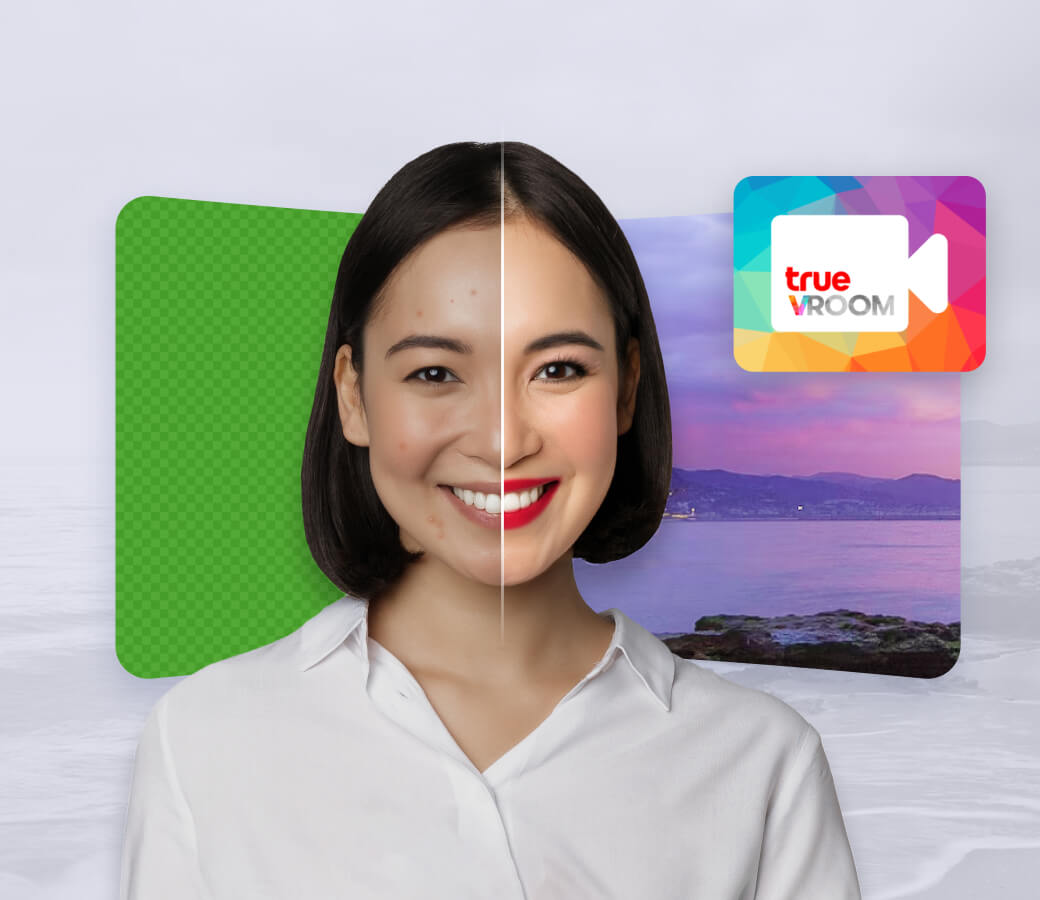
Increasing camera enablement rate and user engagement with must-have AR features.
- Banuba delivered virtual backgrounds and face touch-up
- +30% monthly active user growth
- +54% registered users
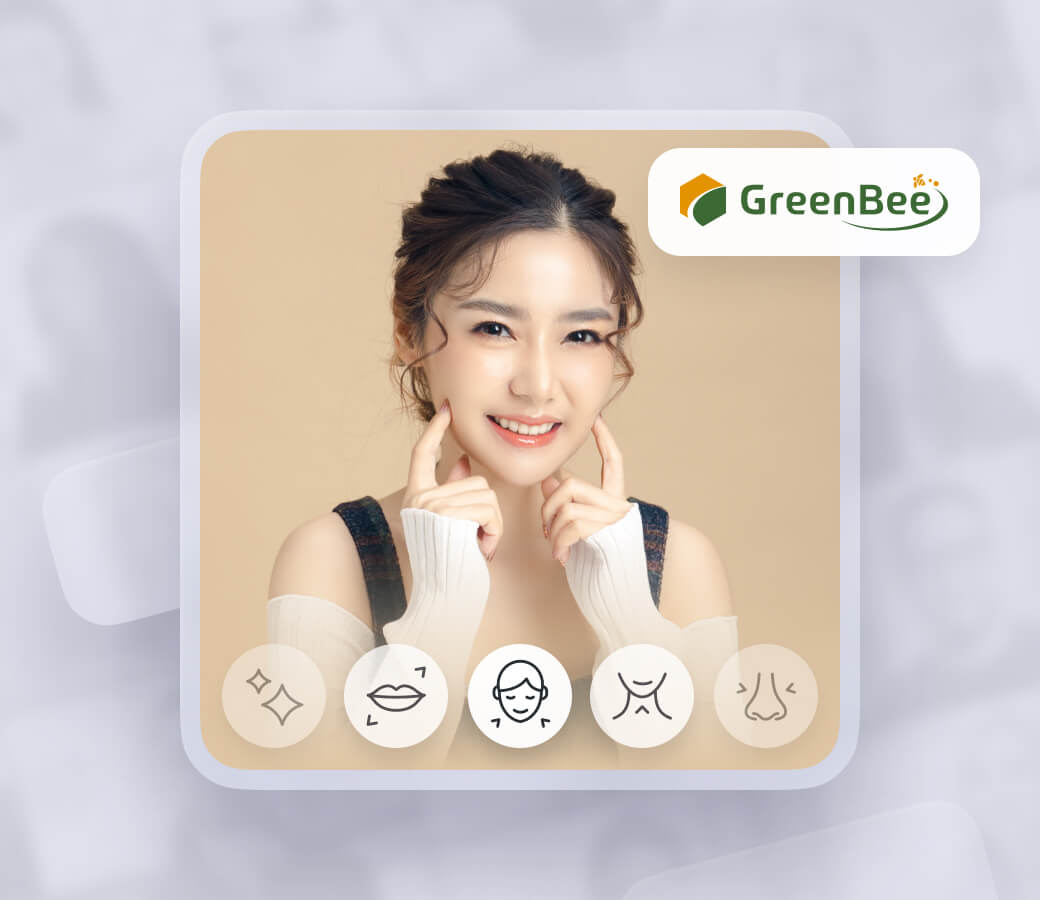
- Virtual backgrounds, scripting engine, rendering engine, face touch-up
- The application is installed on over 500.000 devices
- AR features on display in 3000 shops in Japan.

Increasing user satisfaction in karaoke app with face filters and beautification for iOS and Android
- Licensing face filters from Banuba catalog
- Beautification with skin smoothing, skin tone correction, eyes and teeth whitening, face morphing
- Users can browse AR masks (Game faces) to play and unlock them for game bonuses

Providing a Multi-Platform Production Agency with face filters integrated into AR photo booths that foster video & photo marketing & ad campaigns.
- Face Filter SDK for Android
- Background segmentation for green screen virtual background changer
- Custom filter design services and filter licencing from Banuba catalog
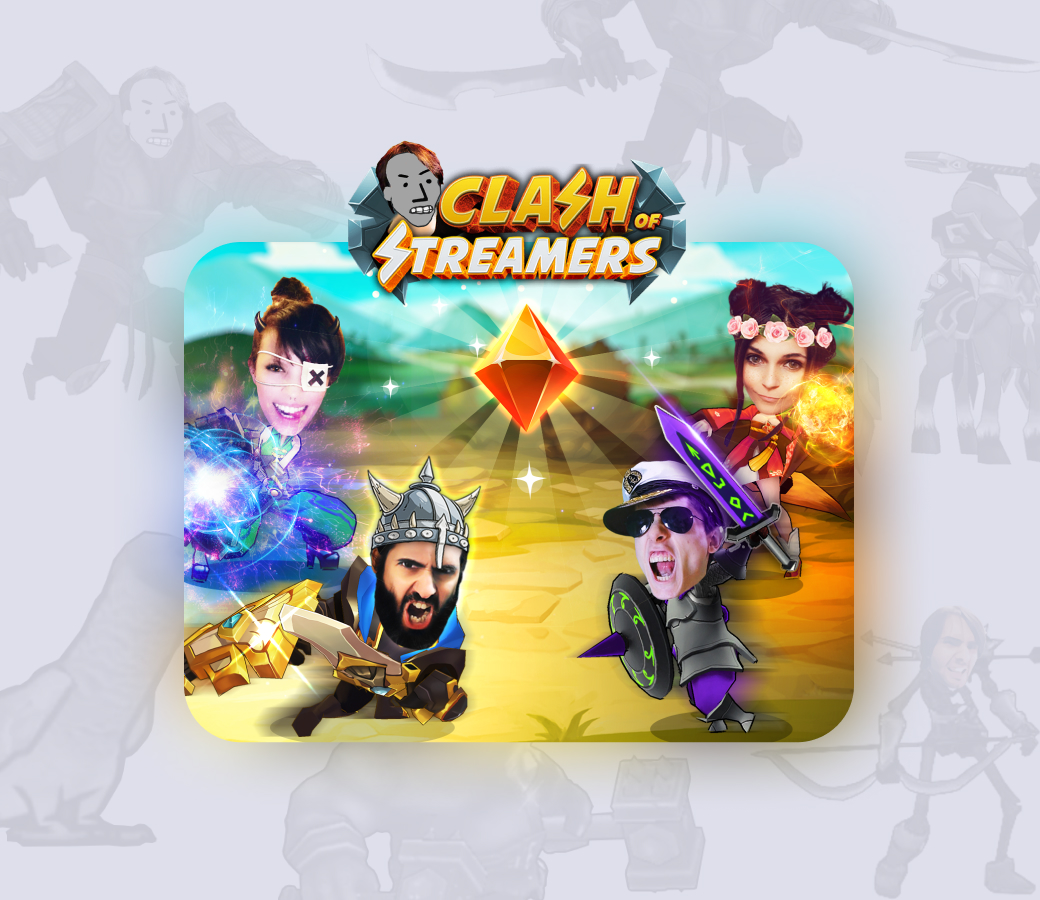
A popular mobile game that uses AR, blockchain, geopositioning, and other popular technologies.
- 4M+ installs
- 100K monthly active players
- Top-grossing NFT-powered mobile game
- $7000 average price of a sold NFT
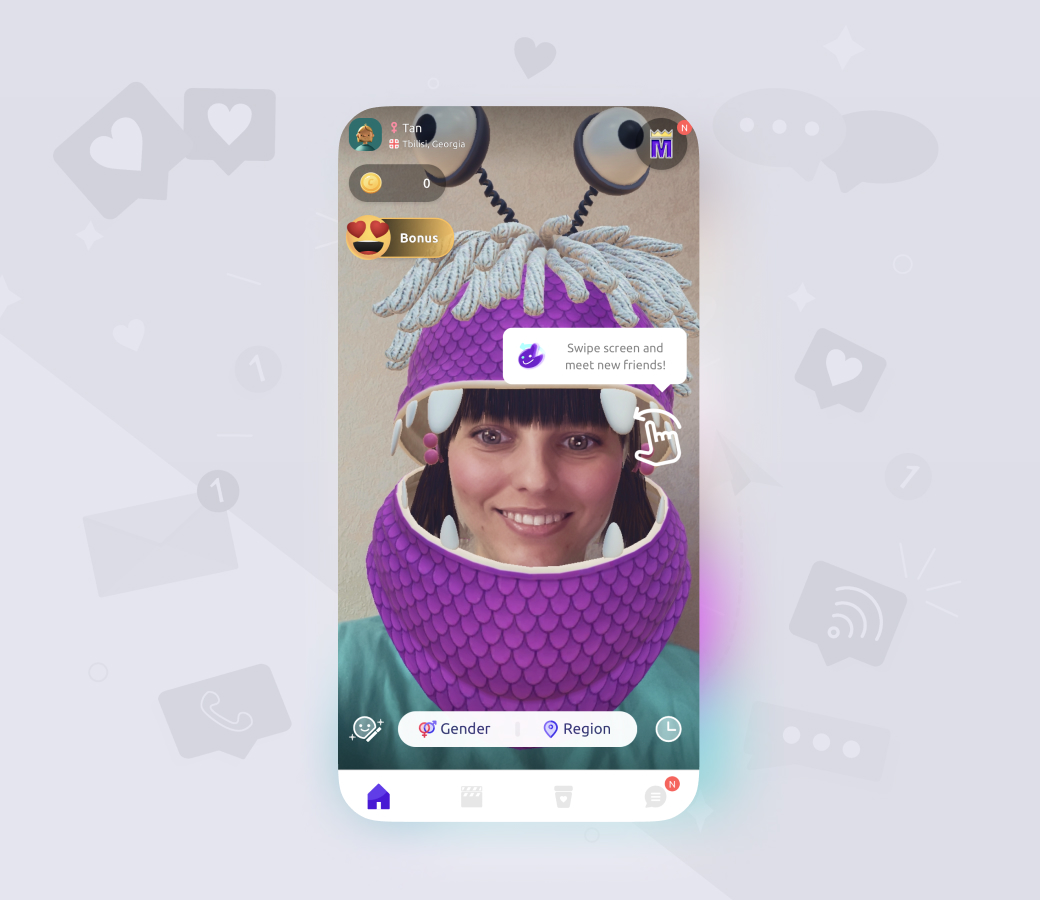
An engaging random live chat with AR features.
- 20M installs
- 4B+ matches
- 15M Banuba feature launches per month












Why Banuba
- Make custom AR filters quickly and decrease the time-to-market.
- Covers 97% of Apple smartphones, 80% of Android ones.
- High quality of filters, on par or better than TikTok, Snapchat, or Instagram.
- Minimal battery power consumption even on low-end devices.
- Over 1000 AR face filters that you can license from the asset store, save the development time.
- The SDK works offline just as well as with an Internet connection.
-
Yes, before purchasing a license you have a 14-day free trial period to validate the performance of our SDK.
-
You can create your own face filters using any 3D graphical editor and then convert them into the SDK-supported format with our Studio.
-
Yes, we have a collection of ready-made face filter assets which you can licence in your app. Please, read more information about face filter licencing in our whitepaper.
-
Yes. The Banuba Face AR SDK includes an LLM-friendly documentation file designed for AI-assisted development and internal knowledge systems:
Banuba Face AR SDK LLM-friendly documentation (llms-full.txt)
This structured Banuba Face AR SDK text file can be used with AI tools to streamline onboarding and developer workflows.
-
The official technical documentation for Banuba Face AR SDK is available online and includes requirements, setup instructions, and configuration details:
Banuba Face AR SDK iOS documentation
Banuba Face AR SDK Android documentation
Banuba Face AR SDK Flutter documentation
Banuba Face AR SDK Rect Native documentation
Banuba Face AR SDK Web documentation
Banuba Face AR SDK Unity documentation
Banuba Face AR SDK Desktop documentation
This Banuba Face AR SDK documentation should be your primary reference during integration.
-
You can access official integration code samples for the Banuba Face AR SDK on GitHub. Banuba provides platform-specific examples to help you integrate faster:
Banuba Face AR SDK iOS integration code sample
Banuba Face AR SDK Android integration code sample
Banuba Face AR SDK Flutter integration code sample
Banuba Face AR SDK React Native integration code sample
Banuba Face AR SDK Desktop integration code sample
Banuba Face AR SDK Web integration code sample
Banuba Face AR SDK Unity integration code sample
These Banuba Face AR SDK repositories include setup instructions and minimal working examples for quick deployment.
-
The Banuba Face AR SDK provides official cross-platform plugins to simplify integration into hybrid applications:
Banuba Face AR SDK Flutter plugin
Banuba Face AR SDK React Native plugin
These Banuba Face AR SDK plugins are maintained by Banuba and support faster implementation for cross-platform apps.
-
Our Face Filter SDK is supplied with a 3D rendering engine. It allows bringing the most diverse and realistic face filters, animation effects and 3D lens. The following graphical technologies are supported:
-
3d modeling and animation
-
Image-based lighting
-
Physics-based rendering
-
Animation billboards
-
Morphing
-
Physics
-
High dynamic range imaging
-
Video textures
-
Multisample anti-aliasing
-
Sprite animation
-
LUT post-processing
-
-
Yes. Our Unity Face AR extension brings Banuba’s 3D face tracking technology across multiple platforms and allows developers to create realistic and complex Unity face masks, augmented reality effects, and 3D objects.
-
This is a category of AR effects that applies to users’ faces. It includes masks (complex 3D objects), stickers (simple 2D objects), and beauty filters - virtual makeup and face touchup. Face filters became especially popular since the rise of TikTok and other video-based social media.
Apps that need video editing alongside face filters can combine this with Banuba's Video Editor SDK.
-
If you are a user, just download one of the many face filter apps. If you are a developer, your best bet would be using a face AR SDK in your project. Integrating it is much quicker and cheaper than developing the same technology from scratch.
-
Yes. Banuba offers dedicated Apple Vision Pro AR software for spatial computing experiences on visionOS, separate from the standard mobile and web SDK.