Selected by Hundreds of Leading Brands
















Face AR SDK has:
- CocoaPods/Maven/NPM packages
- React Native and Flutter support
- Tracks and affects up to 9 faces on the screen
- Optimization for both high- and low-end devices
- Low CPU/GPU load and power consumption
- Low heating
- 14-day free trial (no card required)

Technical Requirements
Face AR SDK supports HTML5, iOS, Android, Windows, macOS, Unity, Flutter and React Native. It runs on iOS 13+ / Android 8.0+ devices with a 1280x720 camera (recommended) at min 30 FPS

Mobile
OpenGL ES 3.0+
Android 8.0, API level 26+
iOS 13+


Desktop
OpenGL 4.3+ (4.1+ for MacOS)
Windows 8.1+
MacOS 10.13+
Ubuntu 18.04+


Web
WebGL 2.0+
Mobile: Chrome, FireFox, Safari.
Desktop: Chrome, FireFox, Safari.


Integrate AR features hassle-free

Why Banuba
- Pricing per platform, independent from MAU number
- Covers 97% of Apple smartphones and 80% of Android ones
- 1000+ effects in an asset store
- Banuba Studio for making custom effects
- Offline mode
- AR cloud to store effects and decrease app size
Clients' Cases

- Virtual backgrounds, scripting engine, rendering engine, face touch-up
- The application is installed on over 500.000 devices
- AR features on display in 3000 shops in Japan

Increasing user satisfaction in karaoke app with face filters and beautification for iOS and Android
- Licensing face filters from Banuba catalog
- Beautification with skin smoothing, skin tone correction, eyes and teeth whitening, face morphing
- Users can browse AR masks (Game faces) to play and unlock them for game bonuses

Providing a Multi-Platform Production Agency with face filters integrated into AR photo booths that foster video & photo marketing & ad campaigns.
- Face Filter SDK for Android
- Background segmentation for green screen virtual background changer
- Custom filter design services and filter licencing from Banuba catalog
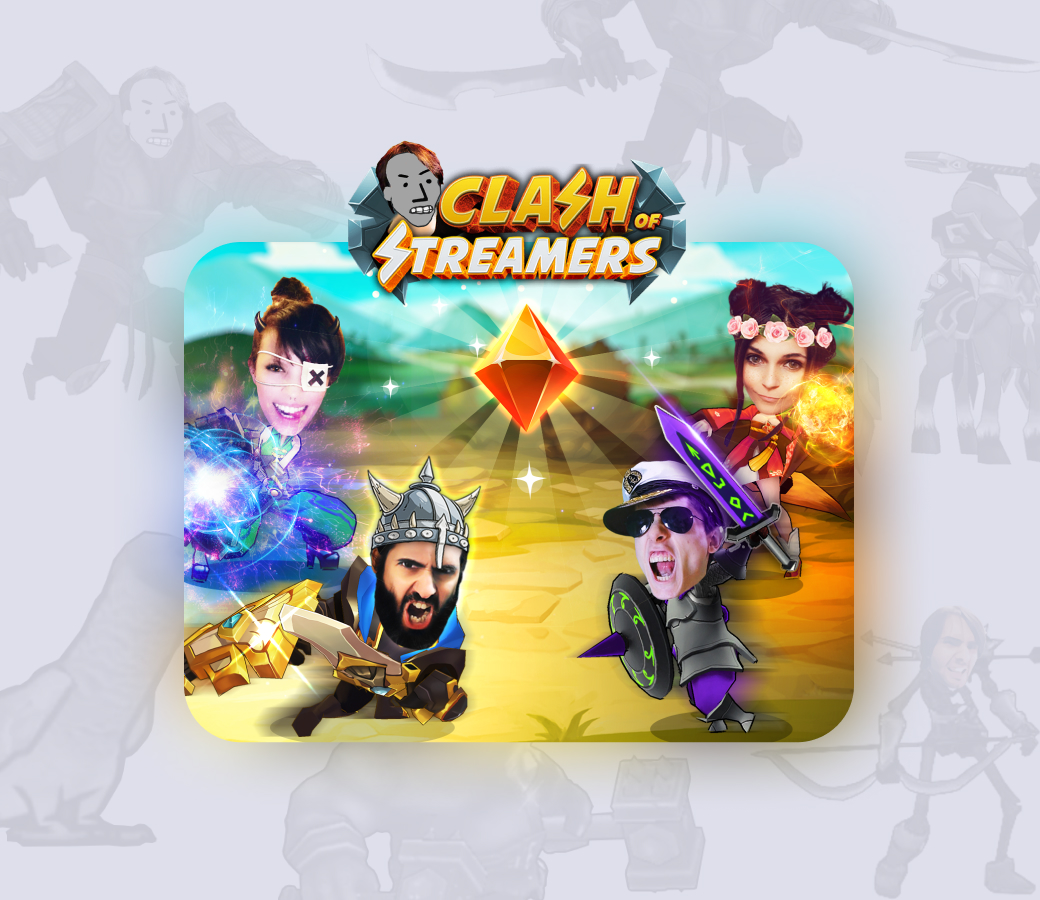
A popular mobile game that uses AR, blockchain, geopositioning, and other popular technologies.
- 4M+ installs
- 100K monthly active players
- Top-grossing NFT-powered mobile game
- $7000 average price of a sold NFT
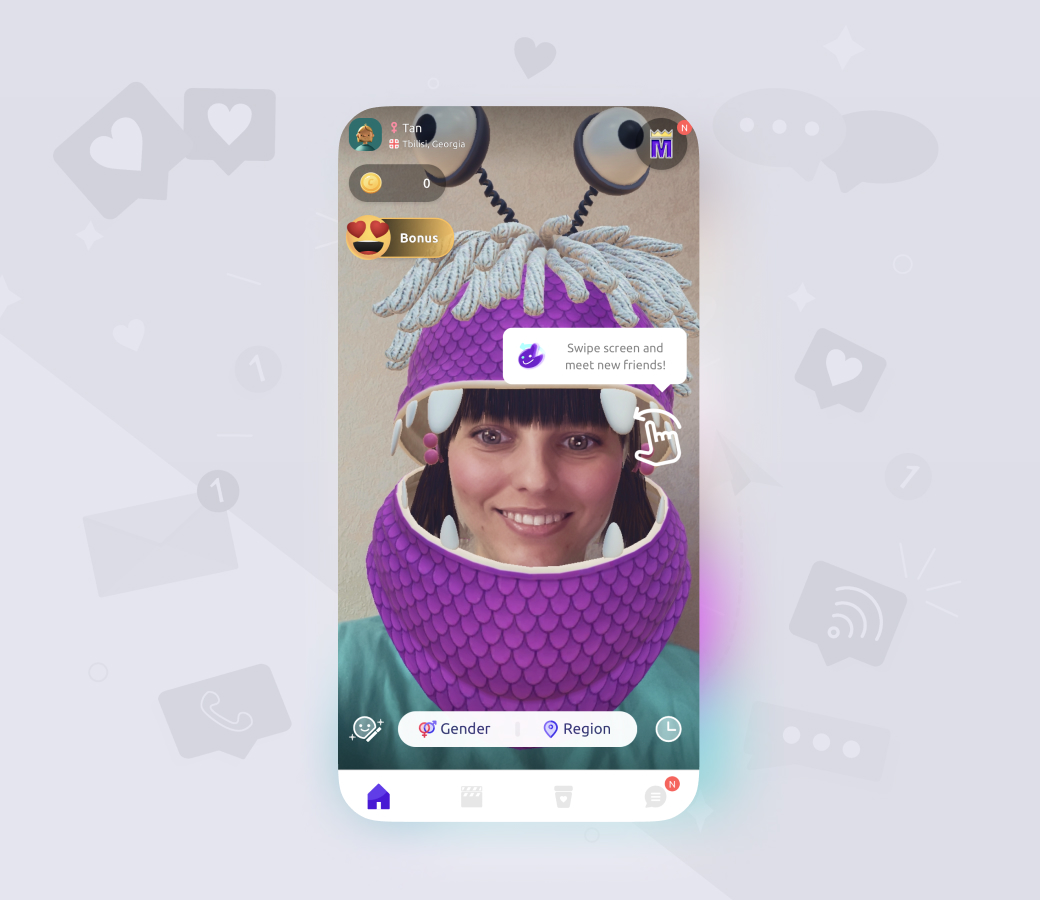
An engaging random live chat with AR features.
- 20M installs
- 4B+ matches
- 15M Banuba feature launches per month
.svg)
.svg)








-
Yes, before purchasing a license you have a 14-days free trial period to validate the performance of our SDK.
-
The official technical documentation for Banuba Face AR SDK is available online and includes requirements, setup instructions, and configuration details:
Banuba Face AR SDK iOS documentation
Banuba Face AR SDK Android documentation
Banuba Face AR SDK Flutter documentation
Banuba Face AR SDK Rect Native documentation
Banuba Face AR SDK Web documentation
Banuba Face AR SDK Unity documentation
Banuba Face AR SDK Desktop documentation
This Banuba Face AR SDK documentation should be your primary reference during integration.
-
Yes. The Banuba Face AR SDK includes an LLM-friendly documentation file designed for AI-assisted development and internal knowledge systems:
Banuba Face AR SDK LLM-friendly documentation (llms-full.txt)
This structured Banuba Face AR SDK text file can be used with AI tools to streamline onboarding and developer workflows.
-
You can access official integration code samples for the Banuba Face AR SDK on GitHub. Banuba provides platform-specific examples to help you integrate faster:
Banuba Face AR SDK iOS integration code sample
Banuba Face AR SDK Android integration code sample
Banuba Face AR SDK Flutter integration code sample
Banuba Face AR SDK React Native integration code sample
Banuba Face AR SDK Desktop integration code sample
Banuba Face AR SDK Web integration code sample
Banuba Face AR SDK Unity integration code sample
These Banuba Face AR SDK repositories include setup instructions and minimal working examples for quick deployment.
-
The Banuba Face AR SDK provides official cross-platform plugins to simplify integration into hybrid applications:
Banuba Face AR SDK Flutter plugin
Banuba Face AR SDK React Native plugin
These Banuba Face AR SDK plugins are maintained by Banuba and support faster implementation for cross-platform apps.
-
Our Face Filter SDK is supplied with a 3D rendering engine. It allows bringing the most diverse and realistic face filters, animation effects and 3D lens. The following graphical technologies are supported:
-
3d modeling and animation
-
Image-based lighting
-
Physics-based rendering
-
Animation billboards
-
Morphing
-
Physics
-
High dynamic range imaging
-
Video textures
-
Multisample anti-aliasing
-
Sprite animation
-
LUT post-processing
-
-
Yes. Our Unity Face AR extension brings Banuba’s 3D face tracking technology across multiple platforms and allows developers to create realistic and complex Unity face masks, augmented reality effects, and 3D objects.