

[navigation]
Key takeaways
- Banuba ships an in-house Flutter version of its Face AR SDK, distributed on pub.dev as the banuba_sdk package, so Flutter teams do not have to wrap native iOS and Android code themselves.
- One Banuba SDK covers iOS, Android, Flutter, React Native, Web, macOS, and Windows, which means a single integration instead of one effort per platform.
- The Banuba Flutter package handles effects and makeup, still-image processing, camera control, screen recording, and Agora-powered video calls out of the box.
- Installation starts with one command, flutter pub add banuba_sdk, plus a ready-made quickstart sample, so a working face-AR prototype is a same-day task rather than a research project.
- Banuba runs all face processing on-device, with no cloud round-trip, which matters for both latency and the privacy questions buyers raise most often.
Why cross-platform AR is hard for Flutter teams
AR on mobile usually means two native stacks: ARKit on iOS and ARCore on Android, each with its own rendering path, camera handling, and face-tracking model. For a Flutter team whose value is shipping one codebase to both stores, that split is exactly the work they adopted Flutter to avoid. Building face tracking in-house also pulls engineers into computer-vision work that has little to do with the product, and the timelines and device-coverage gaps that follow are the kind of risk a CTO or senior engineer flags early.
A prebuilt flutter AR SDK removes that split. Instead of maintaining two tracking pipelines, the team integrates one engine through a Flutter plugin and keeps the AR logic on the Dart side of the codebase.

How Banuba's Face AR SDK solves it
The Banuba SDK for Flutter is available for iOS and Android through the banuba_sdk package on pub.dev. It exposes the parts most apps need directly from Flutter: loading and interacting with any effect (including the makeup effect), still-image processing, camera control (open/close, photo capture, flashlight, facing), screen recording, and video calls powered by Agora.
Two product facts matter most for a team weighing build versus integrate.
First, Banuba develops and supports the Flutter version itself, which is not something every face-AR vendor offers; many leave Flutter as a community wrapper or not at all.
Second, the same SDK spans iOS, Android, Flutter, React Native, Web, macOS, and Windows, so the decision to add AR is made once and reused as the product expands to new surfaces. Under the hood, the tracking model resolves 68 facial landmark points, which is the data effects, makeup, and masks are anchored to.
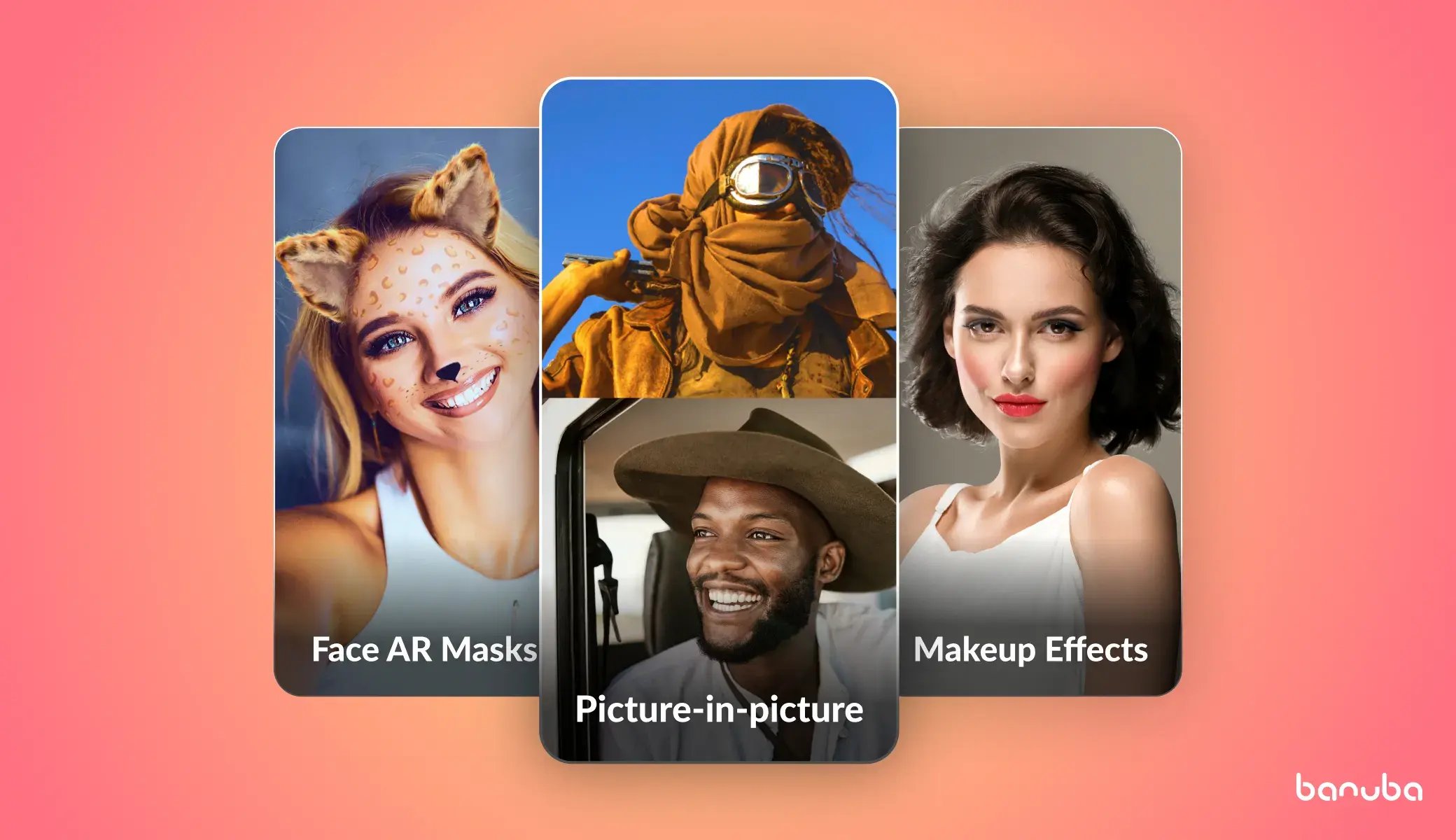 Banuba's AR features examples
What the integration actually takes
The Flutter quickstart is short. You add the plugin with flutter pub add banuba_sdk, drop in the code from Banuba's basic sample, add your effects folder, and initialize BanubaSdkManager with your client token. The maintained quickstart Flutter plugin and the banuba-sdk-flutter sample give you running reference apps to copy from rather than build from scratch, and the step-by-step Flutter integration guide covers both platforms. Banuba reports a sub-8-minute path from install to a working effect; teams should validate that against their own project setup, but the one-command install plus copyable samples is what makes that speed realistic.
For live video, Flutter needs a native plugin per video-call provider, so Banuba ships one for Agora directly. That removes the most common blocker for streaming and conferencing apps, which is wiring real-time beauty and face effects into an Agora call from Flutter.
Get started
If your roadmap includes AR on both iOS and Android from one Flutter codebase, start with Banuba's Flutter SDK and request a trial. Add the package, run the quickstart, and ship the same face-AR layer across both stores.
-
Banuba develops and maintains the Flutter version of its Face AR SDK in-house and publishes it as the banuba_sdk package on pub.dev. It is a first-party plugin, not a community port, so updates track the core SDK.
-
One Banuba Face AR SDK covers iOS, Android, Flutter, React Native, Web, macOS, and Windows. The cross-platform list is documented in the Banuba Face AR SDK docs, so a single integration extends across mobile, web, and desktop.
-
Banuba's face tracking and effects run on-device in real time, with no cloud dependency. That keeps latency low and answers the privacy question buyers raise most; the Banuba Flutter package processes frames locally.
-
Yes. Because Flutter requires a native plugin per video-call provider, Banuba ships one for Agora so you can apply face effects inside a call. See the Banuba Flutter integration guide for setup.
-
Run flutter pub add banuba_sdk, then copy from Banuba's quickstart Flutter plugin to get a running face-AR app, and swap in your own effects from there.
