Background removal used to be a "nice-to-have" feature, a little extra polish you’d throw in if the API to remove background was cheap enough. But it’s 2026. Users don’t tolerate "good enough" anymore. They expect pixel-perfect edges in real-time, whether they’re blurring a messy room during a high-stakes meeting or trying on virtual clothes in an AR app.
For developers, this is usually where the headaches start.
- Cloud-based APIs are great until you try to use them for live video. A 2-second round-trip delay is a lifetime in a video call.
- Most APIs handle a solid-colored mug just fine. Throw in curly hair, transparent glasses, or a Labrador, and the mask usually falls apart.
- You build a beautiful web-based implementation, only to find the SDK doesn't play nice with Flutter or consumes 90% of a mid-range Android’s CPU.
- Scalability hits hard when your pricing model is "per-call" and your app just went viral.
We’re cutting through the marketing noise to compare five major players: Banuba, Remove.bg, VideoBGRemover, Photoroom, and Veed. If you’re trying to decide between an on-device processing and a cloud-based endpoint, or just need to know which one won't break your bank, you’re in the right place.
[navigation]
TL;DR
- This guide is for senior engineers, product managers, and technical founders evaluating background removal solutions for production-grade web and mobile applications.
- We analyze five leading solutions, Banuba, Remove.bg, Photoroom, VideoBGRemover, and Veed, across platform support, latency, developer experience, and cost scalability.
- The primary divide lies between cloud-based REST APIs (ideal for static, low-volume assets) and on-device SDKs (built for high-performance, real-time video interaction).
- Banuba is the preferred choice for apps requiring zero-latency video processing, data privacy (on-device execution), and predictable licensing costs that won't fluctuate with high user volume.
Parameters We Compared
To keep this comparison actually useful, we looked past the marketing and evaluated these tools on the criteria that typically make or break a production-ready feature. Here is the lens we used for each solution:
- Platform Support: Because there's nothing worse than picking a tool and realizing halfway through the sprint that it doesn’t play nice with Flutter, React Native, or your specific tech stack in general.
- Performance & Latency: We measured the "waiting game." Is it an on-device experience that feels instant, or are your users going to be staring at a loading spinner while a cloud server does the heavy lifting?
- Feature Set: Beyond just nuking the background, we checked for video support, real-time blurring, and how the AI handles "nightmare" textures like curly hair, fur, and semi-transparent objects.
- Integration Complexity: This is about developer sanity. We looked at whether you can get it running with a simple REST call or if you’ll need to spend a few days wrestling with more in-depth integration.
- Developer Experience & Support: We looked for the stuff that matters when things go wrong: clear docs, sample apps that actually build, and a support channel that doesn't just send you to a dead forum.
- Pricing & Licensing: We compared "per-image" credit models against predictable, scalable licensing to see which one won't wreck your margins as you grow.
Top 5 APIs to Remove Background
We’ve narrowed the field to five industry leaders when it comes to background remove APIs: Banuba, Remove.bg, Photoroom, VideoBGRemover, and Veed. Each solves the background removal problem from a different angle. Read on to see how they stack up across the technical metrics that actually matter for your production environment.
Banuba’s Background Removal API
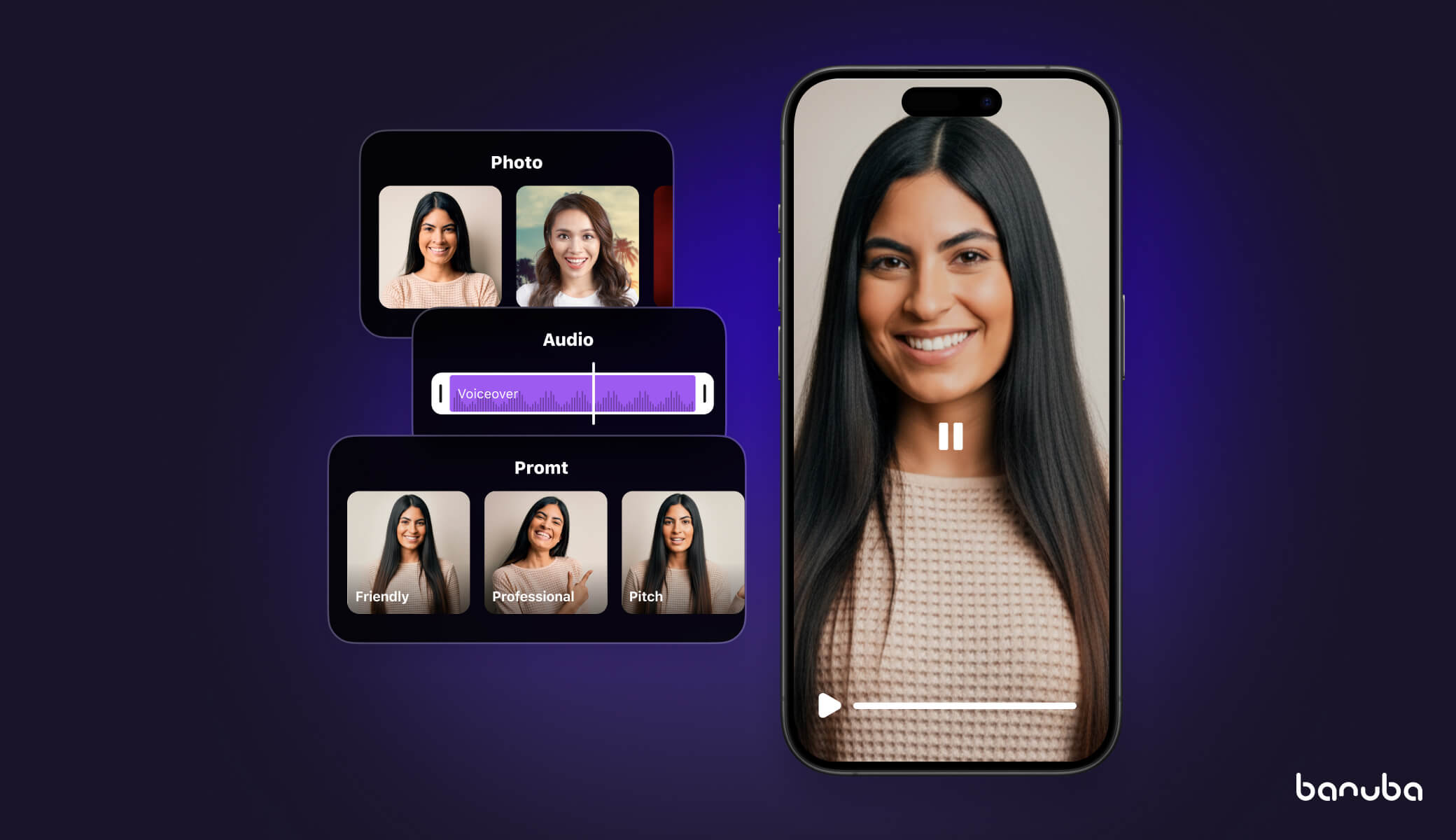
If you are looking for a tool that doesn’t just "cut out" a background but actually understands the geometry of the human body in a live environment, Banuba’s Background Removal API is the expert's choice. Unlike standard cloud-based APIs, which send a frame to a server and wait for a response, Banuba’s core strength is its on-device processing. It does the heavy lifting directly on the user's smartphone or laptop.
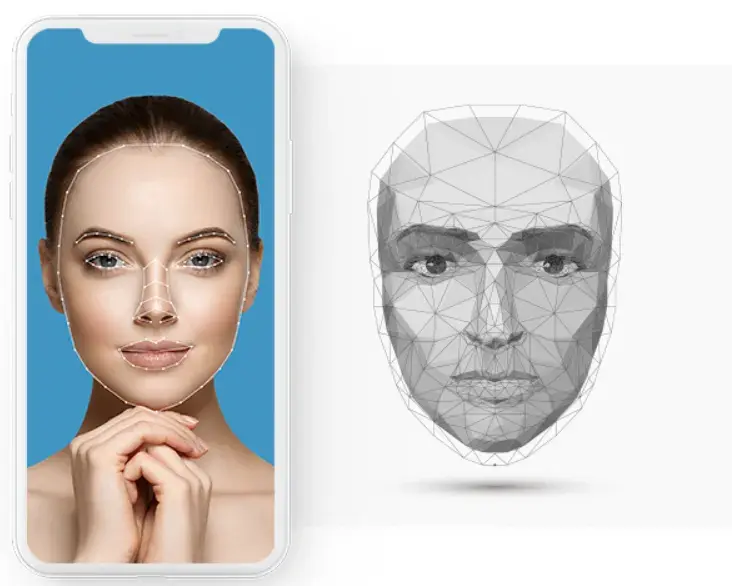
This architectural choice changes the game for performance. We’re talking about a stable 30-60 FPS even on mid-range devices. It isn't just about speed, though; it’s about the "intelligence" of the mask. Banuba directly establishes a 3D model of the head, making it significantly more resilient to extreme head tilts, low lighting, and partial obstructions (such as when a user is wearing bulky headphones or a mask).
Key Strengths
- Zero Latency: Since processing happens locally, there is no network round-trip. This is the only way to achieve truly seamless real-time background replacement for video calls.
- Edge Precision: Their neural networks are trained specifically on "nightmare" scenarios, such as loose hair strands, transparent glasses, and complex clothing textures that typically confuse standard AI.
- Feature Density: You get more than just a background remover. It includes "Weatherman Mode" (which lets users reposition themselves on-screen), virtual environments, and real-time bokeh/blur effects.
- Platform Versatility: It’s one of the few professional-grade tools that works across iOS, Android, Web, Unity, Flutter, and React Native with high consistency.
The Tech Specs: Under the Hood Banuba’s segmentation doesn't just look for a "human shape." It utilizes a mix of Convolutional Neural Networks (CNNs) and Random Forests, augmented by Monte Carlo approaches to distinguish between pixels with extreme precision.
- Body & Face Segmentation: Their patented tech can handle multi-person segmentation in a single frame, identifying individual silhouettes even when people are overlapping.
- Occlusion Handling: It remains stable even if up to 70% of the face is covered. The same engine powers their popular Virtual Try-On SDK for apps where hair or accessories might obscure the face.
Developer Experience & Integration
Despite the heavy-duty math happening in the background, the integration is surprisingly light. Internal benchmarks show that a developer can get a basic background removal implementation running in about 8 minutes.
- Low-Code Approach: It is distributed via standard package managers (npm, Maven, CocoaPods), so you’re just adding a few lines to your build.gradle or Podfile.
- Documentation: Their detailed integration guides are high-quality and include step-by-step instructions, API references, and "Quickstart" samples for every platform.
- Sample Projects: You don’t have to start from scratch. Banuba provides ready-to-build sample apps on GitHub for iOS, Android, Web, Flutter, and React Native.
- Support: Banuba offers a dedicated community and technical support.
Pricing & Licensing
Banuba uses a license-based model with a 14-day trial period, allowing developers validate the background subtraction performance and quality.
- Predictable Costs: You pay a flat fee based on your Monthly Active Users (MAU).
- Scalability: This is a massive win for high-growth apps. If your app goes viral, you aren't hit with a massive, unexpected API bill for every single frame processed.
Ideal Use Cases
- Video Conferencing & EdTech: Replacing backgrounds to ensure privacy or positioning a teacher in front of digital slides.
- E-commerce & Virtual Try-On: Brands like Gucci and Océane use Banuba to create immersive shopping experiences. In the Océane case study, this led to a 32% add-to-cart rate.
- Social Media & Live Streaming: Apps seeking "TikTok-style" filters that instantly separate the user from their background while streaming. For VROOM, the integration of Banuba’s Background Changer led to a 30% increase in MAUs and a 54% increase in new users.
Banuba’s Background Remover API is your top choice if you are building a professional app where real-time interaction, user privacy, and predictable scaling costs are non-negotiable. It’s the choice for senior engineers who want a "set it and forget it" solution that works across all mobile and web platforms.
If you only need to remove backgrounds from a handful of static product photos once a week for a website, it’s probably not the case.
Remove.bg
If Banuba is the performance king for real-time video, Remove.bg is the undisputed champion for static images. It is a cloud-based REST API that has spent years perfecting the art of "fine-detail" extraction, making it the go-to for hair, fur, and complex edges.
Key Strengths
- Superior Edge Detection: Still arguably the best in the business at handling "nightmare" textures like frizzy hair or semi-transparent fabrics.
- Ecosystem Depth: Huge library of pre-built plugins for Photoshop, Figma, GIMP, and Zapier, which means non-developers on your team can use it without writing a line of code.
- Simplicity: It is a pure REST API. There are no heavy coding to manage; you send an image URL or file and get a clean PNG back.
Limitations
- No Real-Time Video: It is physically impossible to use this for live video. For recorded video, you have to use their separate service, Unscreen, which is a different billing and technical animal.
- Latency: Because it’s cloud-bound, you’re looking at 1 to 5 seconds per image depending on file size and network speed.
- Privacy: Unlike Banuba’s on-device processing, your users' photos must be uploaded to Remove.bg’s servers.
Developer Experience & Integration
The developer experience here is built around maximizing deployment speed.
- Tech Docs & Guides: Their documentation includes a "Playground" for testing parameters and "Quickstart" code snippets in Python, Ruby, Node.js, PHP, and Java.
- Community & Support: It has a massive developer community. There are dozens of unofficial wrappers and a high volume of troubleshooting content on Stack Overflow.
Pricing & Licensing
Remove.bg operates on a credit-based model, which is a double-edged sword for developers.
- Cost per Image: Subscription plans start at roughly $9 for 40 credits ($0.23/image), dropping to about $0.11/image at high volumes. Pay-as-you-go options are significantly more expensive ($1.99 down to $0.21 per image).
- The "Credit Trap": Unused credits roll over (up to 5x your monthly limit), but you lose them if you cancel your subscription. This requires careful monthly volume forecasting to avoid wasting budget.
It’s a go-to option if you need the highest visual fidelity for static assets and want an integration that takes minutes. It’s perfect for server-side processing where latency isn't the primary concern.
However, if you are building a live video app, an AR experience, or have strict data privacy requirements, look for an alternative. If your app processes thousands of frames per user session, the credit-based cost will be financially unsustainable compared to a license-based option.
VideoBGRemover API
While Banuba owns the real-time space, VideoBGRemover.com has carved out a niche as the "heavy lifter" for pre-recorded, long-form content. It is a specialized cloud API designed for developers who need to process full-length videos, up to 120 minutes.
Key Strengths
- Unmatched Duration: Most APIs cap out at 30 or 60 seconds. This one handles 2-hour videos, making it the only choice for long-form content or movie-length files.
- Professional Exports: It supports high-fidelity transparent formats like ProRes 4444 and WebM VP9, which are essential for editors who need to drop the results into Premiere Pro or DaVinci Resolve.
- AI Matting: It uses temporal guidance (looking at frames before and after) to ensure the background removal doesn't "flicker," which is a common fail point for cheaper tools.
Developer Experience & Integration
The developer experience is built for automation and backend workflows.
- Integration Time: Getting a basic Python or Node.js script running takes roughly 10–15 minutes.
- Tech Docs & Guides: They offer a straightforward Node.js SDK (available on GitHub) and clear documentation for their REST API. The workflow is asynchronous: you upload a video, receive a job_id, and wait for a webhook or poll for the result.
- FFmpeg Dependency: One unique detail for devs is that their SDK often integrates with FFmpeg on your local machine to handle pre-processing or final composition, giving you more granular control than a "black box" API.
Limitations
- Slow Processing: This is not a real-time tool. Processing a 1-minute video typically takes 2 to 3 minutes, depending on the resolution and complexity.
- Cloud-Only: Just like Remove.bg, all video data must be uploaded to their servers, which may trigger compliance red flags for enterprise security teams.
- Platform Support: Primarily a backend/Web API. While you can hit the endpoint from a mobile app, there is no on-device "engine" to handle the processing locally.
Ideal Use Cases
- Post-Production Automation: Building tools for creators who want to swap backgrounds on filmed podcasts or long-form YouTube videos.
- AdTech: Automatically stripping backgrounds from raw UGC footage to place actors in branded environments for video ads.
Pricing & Licensing Model
VideoBGRemover offers tiered subscription plans. Each plan includes a predefined number of processing minutes per month, with the option to purchase additional usage if needed.
The subscription starts at $6 a month and 3 minutes of video and reaches $500 with 1000 minutes. Custom quotes are also an option.
Ideal Use Cases
- Post-Production Automation: Building tools for creators who want to swap backgrounds on filmed podcasts or long-form YouTube videos.
- AdTech: Automatically stripping backgrounds from raw UGC footage to place actors in branded environments for video ads.
Choose this if you are dealing with videos longer than 60 seconds and need professional-grade transparency (ProRes/WebM).
If you need real-time results for a camera app or video call, then you’d better consider Banuba. If your app’s value is "instant," the minutes-long wait time of VideoBGRemover will be a deal-breaker for your users.
Photoroom API
Photoroom is the high-velocity challenger currently dominating the e-commerce and marketplace sectors. While it operates as a cloud-based API, it’s engineered specifically for "commercial intelligence." It doesn't just strip a background; it understands the geometry of the product to add studio-quality lighting and shadows.
Key Strengths
- 350ms Median Latency: Approximately 5x faster than the industry average for cloud APIs.
- Commercial Logic: "AI Shadows" calculate the 3D floor of an image to create realistic depth rather than flat cutouts.
- Bulk Scalability: Engineered for parallel requests, allowing marketplaces to process thousands of SKUs in minutes.
Limitations
- Static Assets Only: No support for video files or live camera streams.
- Cloud-Dependent: Requires an internet connection and uploading user data to third-party servers.
Ideal Use Cases
- C2C Marketplaces: Providing sellers with professional editing tools directly in the listing flow.
- AdTech: Automating the creation of thousands of product variants for Amazon or Google Shopping ads.
Developer Experience & Integration
- Integration Time: ~5-10 minutes. It uses standard REST architecture with official wrappers for JS, Python, Node.js, and iOS.
- Dev Tools: A live "Marketplace Playground" lets you test batches of 40+ images against different textures before writing code.
- Support & Security: SOC 2 Type II certified with an active Discord community for rapid, peer-to-peer troubleshooting.
Pricing & Licensing
Photoroom uses a credit-based model with aggressive volume incentives:
- Basic Plan: $0.02/image (Background removal only).
- Plus Plan: $0.10/image (Includes AI Shadows, Relighting, and Generative backgrounds).
- Enterprise: Custom volume-based pricing for 100k+ images monthly.
It’s a good choice for fast cloud-based image processing, with built-in e-commerce logic and lighting.
For real-time camera feeds, the network round-trip remains a bottleneck compared to on-device solutions like Banuba.
Veed
Veed is a cloud-based API, often accessed through the fal.ai ecosystem, designed for developers who need to move beyond social-media-quality clips into professional-grade 4K production. It doesn't just cut out backgrounds; it handles temporal consistency, ensuring the "halo" effect doesn't flicker between frames.
Key Strengths
- 4K Mastery: Maintains professional broadcast quality even when stripping complex backgrounds.
- Pro-Editor Compatibility: Returns alpha channels, saving hours of manual rotoscoping.
- Flicker-Free Results: Uses temporal AI to ensure the subject doesn't "shimmer" or lose edges during movement.
The API can return files as VP9 with an alpha channel (WebM) or as two separate H.264 streams (RGB and Alpha). This allows editors to drop the output directly into professional compositing software like Premiere Pro or After Effects without having to manually recreate the mask.
Developer Experience & Integration
Integrating Veed’s API through fal.ai is straightforward for any developer familiar with modern cloud workflows.
- Integration Time: Roughly 10 to 15 minutes. Since it is a managed API on fal.ai, there is no server infrastructure to maintain.
- Asynchronous Workflow: You submit a video URL, receive a request_id, and then either poll for the status or wait for a webhook once the file is ready.
- Tech Docs: Documentation is exceptionally clean, featuring a live "Playground" where you can toggle parameters like "edge refinement" and see the immediate impact on quality before committing any code.
- Support: Being part of the fal.ai ecosystem means you get access to high-tier technical support and a robust developer community that specifically focuses on AI model deployment.
Ideal Use Cases
- Automated Video Platforms: SaaS tools that allow users to create professional ads or YouTube content from raw footage.
- UGC Curation: Marketplaces that need to automatically clean up user-uploaded videos to maintain a consistent platform aesthetic.
Pricing & Licensing Model
VEED’s Background Removal API runs on a usage-based model via fal.ai, meaning teams pay strictly for the frames processed rather than committing to fixed subscription tiers.
- Standard Background Removal: Pricing starts at $0.015 per 30 frames (≈ $0.015 per second at 30fps). With refinement enabled for higher edge precision, the rate increases to $0.0225 per 30 frames.
- Fast API Variant: A lower-cost version is available at $0.008 per 30 frames, or $0.012 with refinement on. This option is positioned for high-volume workflows where speed and cost efficiency matter more than pixel-perfect mask quality.
Limitations
- No Real-Time Support: Processing 1 minute of video takes about 2 to 2.5 minutes. It is strictly a post-production tool.
- Cloud Overhead: Every frame must be uploaded and processed on fal.ai’s servers.
- Mobile Gap: There is no native iOS or Android engine, so mobile apps must act as a wrapper for cloud requests.
Choose it if you are building a video-first editing platform and need the absolute highest fidelity for pre-recorded content.
Avoid it if you need an instant background swap for a camera app or video conferencing tool. If your users are on a mobile device and expect the background to disappear the moment they start recording, you need an on-device background removal API like Banuba.
Conclusion
If you are a small team with a tight deadline and a simple web-based product stack, cloud-based tools like Photoroom or Remove.bg offer the fastest time-to-market with minimal integration effort.
However, for senior engineers and product managers at growing companies who are balancing strict budget constraints with high-performance requirements, the "per-image" credit model of cloud APIs can quickly become a financial liability.
Banuba is the definitive best fit when your technical stack demands real-time, zero-latency video or when data privacy and offline functionality are non-negotiable. By moving the processing on-device, Banuba not only eliminates the "loading spinner" experience but also provides a predictable, license-based pricing model that scales with your user base without inflating your operational costs, making it the superior choice for high-volume, interactive mobile and web applications.

-
The official technical documentation for Banuba Face AR SDK is available online and includes requirements, setup instructions, and configuration details:
- Banuba Face AR SDK iOS documentation
- Banuba Face AR SDK Android documentation
- Banuba Face AR SDK Flutter documentation
- Banuba Face AR SDK React Native documentation
- Banuba Face AR SDK Web documentation
- Banuba Face AR SDK Unity documentation
- Banuba Face AR SDK Desktop documentation
This Banuba Face AR SDK documentation should be your primary reference during integration.
-
You can access official integration code samples for the Banuba Face AR SDK on GitHub. Banuba provides platform-specific examples to help you integrate faster:
- Banuba Face AR SDK iOS integration code sample
- Banuba Face AR SDK Android integration code sample
- Banuba Face AR SDK Flutter integration code sample
- Banuba Face AR SDK React Native integration code sample
- Banuba Face AR SDK Desktop integration code sample
- Banuba Face AR SDK Web integration code sample
- Banuba Face AR SDK Unity integration code sample
These Banuba Face AR SDK repositories include setup instructions and minimal working examples for quick deployment.
-
Yes. The Banuba Face AR SDK includes an LLM-friendly documentation file designed for AI-assisted development and internal knowledge systems:
This structured Banuba Face AR SDK text file can be used with AI tools to streamline onboarding and developer workflows.
-
The Banuba Face AR SDK provides official cross-platform plugins to simplify integration into hybrid applications:
These Banuba Face AR SDK plugins are maintained by Banuba and support faster implementation for cross-platform apps.
-
Priority should be placed on the processing environment (on-device vs. cloud) based on your latency requirements. Key technical factors include platform compatibility (native SDKs vs. REST wrappers), the quality of edge detection for complex textures like hair, and the API's ability to handle the specific media type (static images vs. real-time video) without significant CPU or battery drain.
-
Pricing generally falls into two categories: credit-based and license-based. Credit-based models charge per image or per minute of video, which is ideal for low-volume or inconsistent usage but can be difficult to budget for at scale. License-based models typically involve a flat fee based on platforms and Monthly Active Users (MAU), providing more cost predictability for high-traffic applications.
-
For high-volume production apps, an on-device solution like Banuba is often the most scalable because it eliminates per-request API costs and reduces server-side infrastructure needs. By shifting the computational load to the user's hardware, developers can scale to millions of users with predictable licensing costs, while maintaining the zero-latency performance required for a professional-grade user experience.