

[navigation]
Banuba added simplified eyewear digitization, updated onboarding, and contact lens try-on for its Shopify virtual try-on plugin. Together these improvements will make working with the platform even easier for the store owners and managers.
TL;DR:
- With the new AI digitization, 1-2 pictures of glasses are enough for a complete 3D model;
- New onboarding flow helps store owners & managers start faster;
- Contact lens try-on expands the number of available product categories.
AI eyewear digitization
You only need to upload 1-2 pictures of a pair of glasses/sunglasses, and the AI will automatically create a 3D model for your users to try. Technically, even one photo is enough, but the more the better.
After the generation, you’ll be able to adjust the size and fit to make sure each pair looks good on your customers.
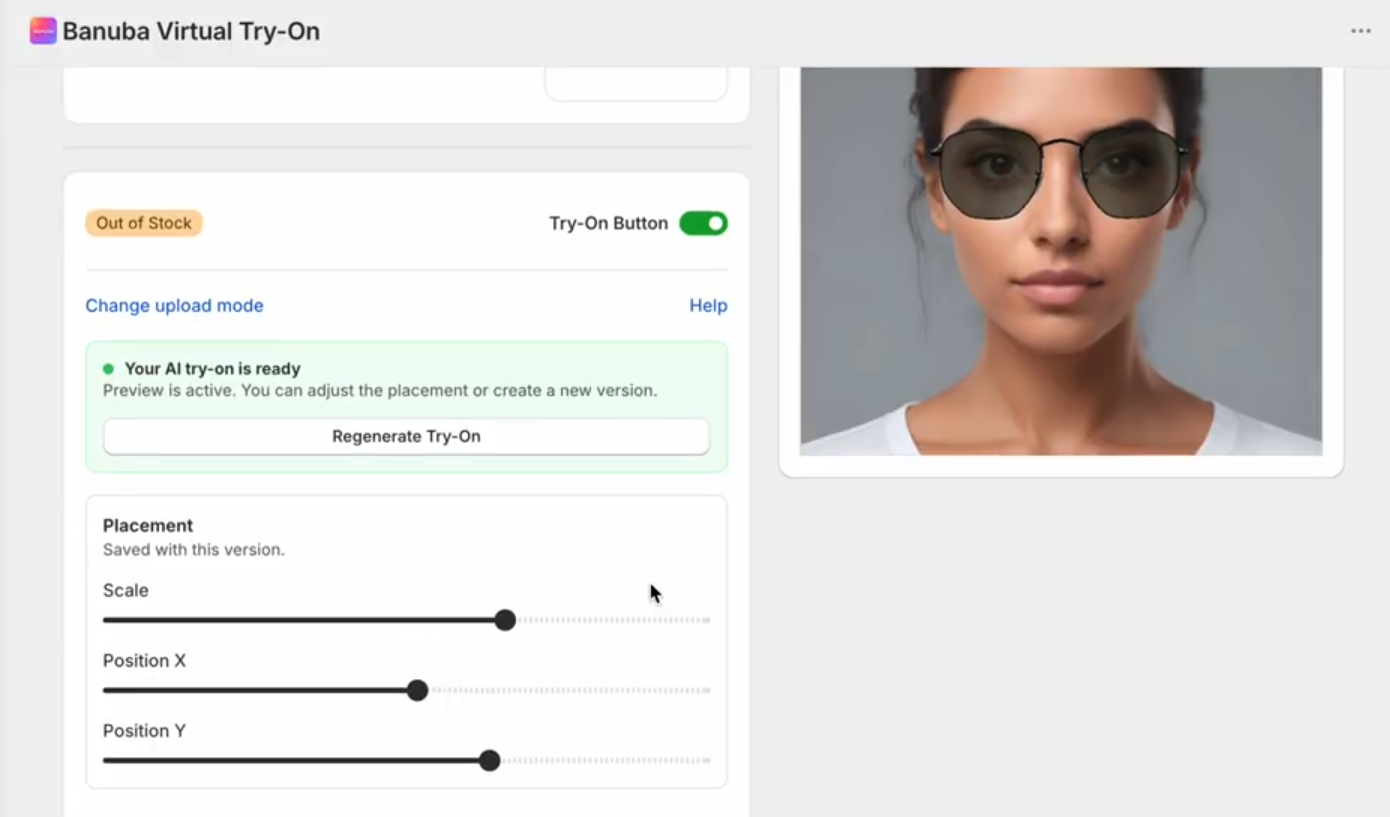 Model adjustment
Together with the already existing AI digitization of makeup and hair dye, this update makes virtual try-on faster and easier to set up.
New onboarding
If you haven’t added virtual try-on to your Shopify store, now is the right time to do so. The new onboarding flow is designed to be as simple and clear as possible even for non-technical people. Each stage is explained in more detail to make sure you install the Banuba virtual try-on plugin with confidence.
Contact lens try-on
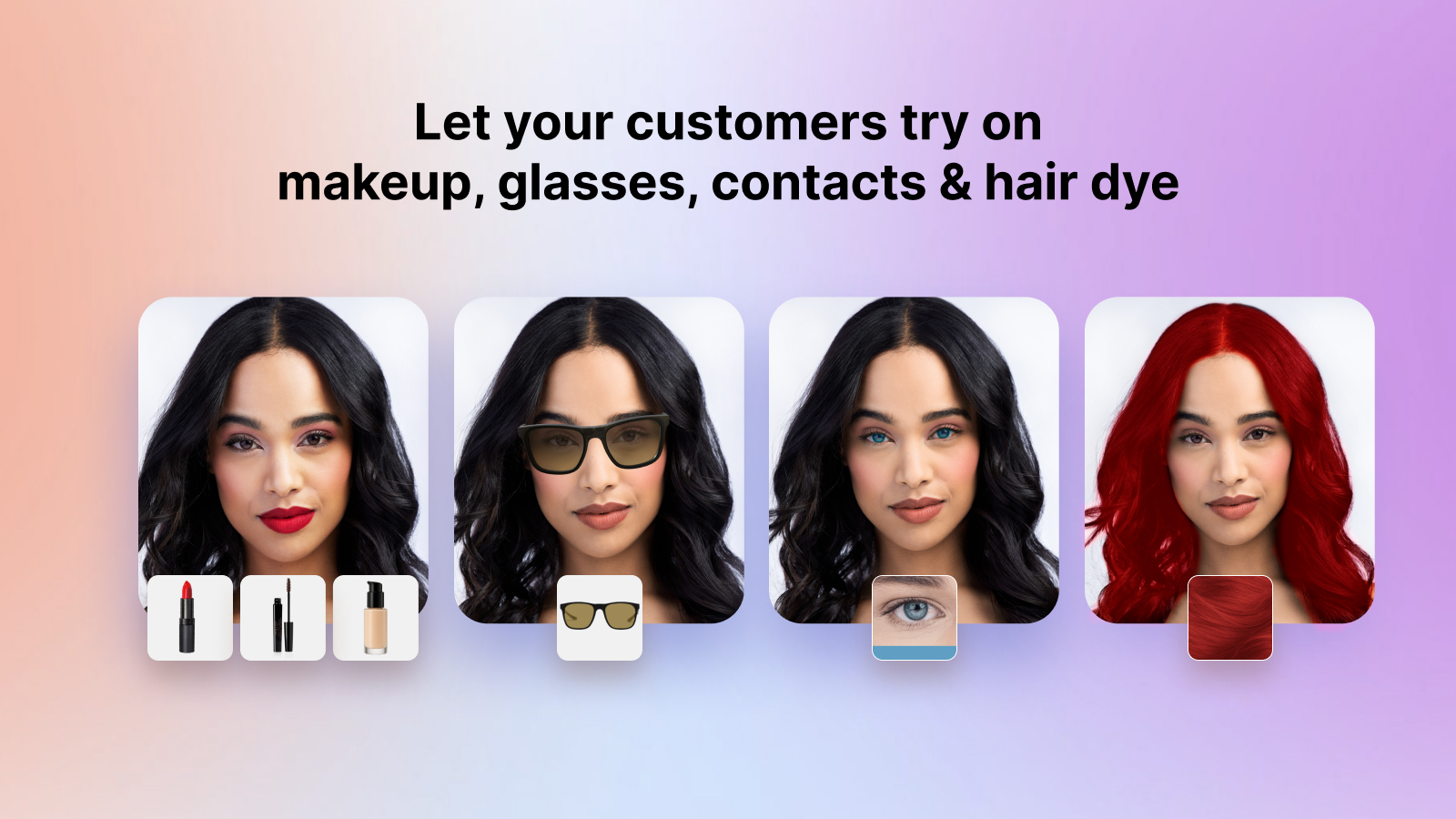
We have added another product category to the Banuba Shopify plugin. It now supports colored contacts on the same high level of quality Banuba is known for. No matter the customer’s original eye color, virtual contacts will look natural and realistic on them.
This brings the total number of product categories supported by the Shopify plugin to 6:
- Makeup
- Eyewear
- Contact lenses
- Hair dye
- Headwear
- Jewelry
Conclusion
The newest version of Banuba virtual try-on platform is the most convenient yet. If you haven’t tried it or if the previous iterations weren’t quite to your liking, this is the right time to try (again).