-
![icon-hat]() Glasses and hat with an image correction
Glasses and hat with an image correction -
![icon-morphing]() Face morphing filter with deer ears
Face morphing filter with deer ears -
![icon-makeup]() Makeup and eye color with face morphing
Makeup and eye color with face morphing -
![icon-fox]() Fox with glasses and virtual background
Fox with glasses and virtual background -
![icon-glasses]() Glasses and hair dye (with a color filter)
Glasses and hair dye (with a color filter)





Face Filters SDK
Banuba Face AR SDK is a real-time, on-device face tracking and AR effects SDK that runs at 30 FPS on mid-range mobile hardware with a -80° to +80° head-angle tracking range. Every frame is processed on the user's device, so a live stream carries no cloud round-trip. One SDK ships to iOS, Android, Web, Unity, Flutter, and React Native.
Selected by Hundreds of Leading Brands















What Banuba's Face Filters SDK Does
Banuba's face filters SDK adds Snapchat-like filters, AR lenses, beautification, and real-time facial animation to live-streaming, social, and beauty apps. It processes every frame on the device, with no cloud dependency, and drops into an existing live-video stack through the Agora plugin. That is how it powers live chat for b.stage, which passed 1 million monthly active users across 224 countries.
Makeup
Our face-tracking neural networks do the heavy lifting. Users only choose which cosmetic product to try on first, whether that is foundation, eyeliner, or lipstick. For a ready-made online retail deployment, see Banuba's virtual try-on for e-commerce platform covering makeup, glasses, jewelry, and more.
Hair Color
Algorithms that detect and dye single strands of hair, not a flat color wash. Hair color holds under changing light, so the effect stays believable while the user moves.
Beautification
Multiple neural networks segment and retouch facial features to produce photoshoot-quality images and video in real time. Our Beauty AR SDK covers: Skin smoothing, Blemish removal, Teeth whitening, Eye circles and wrinkle removal, Expressive eyes
Face Reshaping
Our face tracking detects 68 facial anchor points, builds a 3D mesh of up to 3,308 vertices, and tracks 37 mesh morphs, which is what makes real-time structural changes to the nose, eyes, lips, and chin hold their shape. The face tracking software stays locked on across the full -80° to +80° head-angle range, so the effect does not slip when the user turns away from the camera.
Triggers
Preprogrammed or interactive AR scenarios that a user launches with a facial expression. The available triggers are mouth open, smile, eyebrows and eyes open or closed, and hand gestures can fire the same scenarios. Triggers are the building block of a touchless user interface, where an expression replaces a physical control.
Background
Hide the pile of laundry with background subtraction filters, powered by a neural network with detection accuracy better than most video-conferencing and streaming apps. Body segmentation handles the full-body cutout at the pixel level when face detection alone is not enough, and background removal also ships on its own as a separate API if you do not need the whole filter suite.
Avatars
Animated 3D avatars driven by the user's own face in real time. Banuba's Avatar SDK goes past simple mouth movement and tracks individual eyebrows, jaw, nose, and mouth position
Game Filters
Let players put on a game face with a 3D mask, or turn expressions into the controller. Effects are scripted in JavaScript and fire on an open mouth, raised eyebrows, or a screen tap, so a casual game can have the player eat virtual objects or steer a character with their face.
Frame Effects
Dynamic, transforming AR objects that stick to the face as it moves, which is what makes a clip worth sharing. Paired with the AI SDK for smart clipping, it gives you a base for automated video editing with AR effects on top.
LUTs
Color correction across a whole video, the way Instagram and TikTok grade a clip. That covers plain looks such as black and white or sepia, and heavily stylized color schemes.


What Face Filters SDK Includes
-
Multi-face tracker for several faces in one frame
-
SFX and voice changer
-
Beautification
-
3D renderer
-
Filter editor and scripting
-
DIY effect creation with Banuba Studio
-
Sample filters and documentation
-
Support and consultancy
Everything above ships as one piece of face filter software on every platform below.
Technical Features
Banuba Face AR SDK ships the face filters SDK to eight platforms from one integration: iOS, Android, Web, Unity, Flutter, React Native, Windows, and macOS. Banuba builds and maintains all eight, including the Flutter and React Native plugins, so there is no community wrapper in the chain. It runs from iOS 13+ and Android 8.0+ with a 1280x720 camera recommended, at min 30 FPS, and it does all tracking and rendering on the device.

Mobile
OpenGL ES 3.0+
Android 8.0, API level 26+
iOS 13+


Desktop
OpenGL 4.3+ (4.1+ for MacOS)
Windows 8.1+
MacOS 10.13+


Web
WebGL 2.0+
Mobile: Chrome, FireFox, Safari.
Desktop: Chrome, FireFox, Safari.


Case Studies
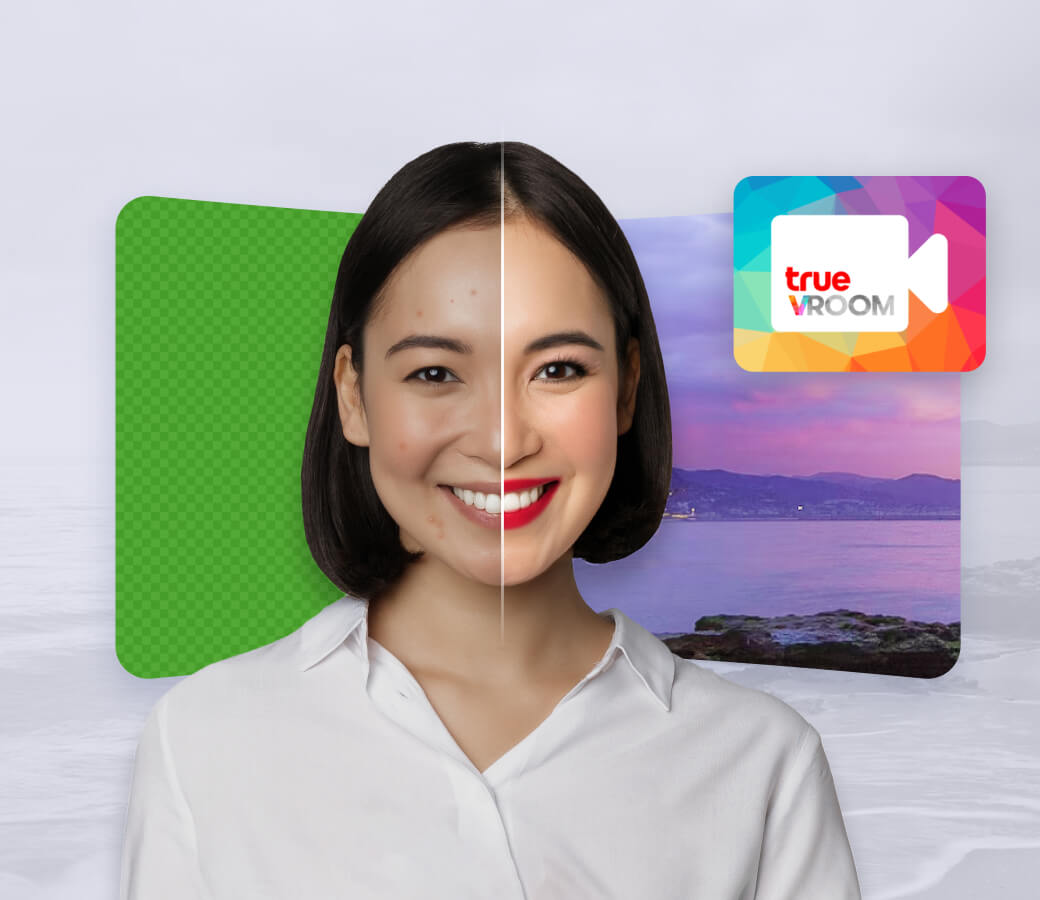
Increasing camera enablement rate and user engagement with must-have AR features.
- Banuba delivered virtual backgrounds and face touch-up
- +30% monthly active user growth
- +54% registered users
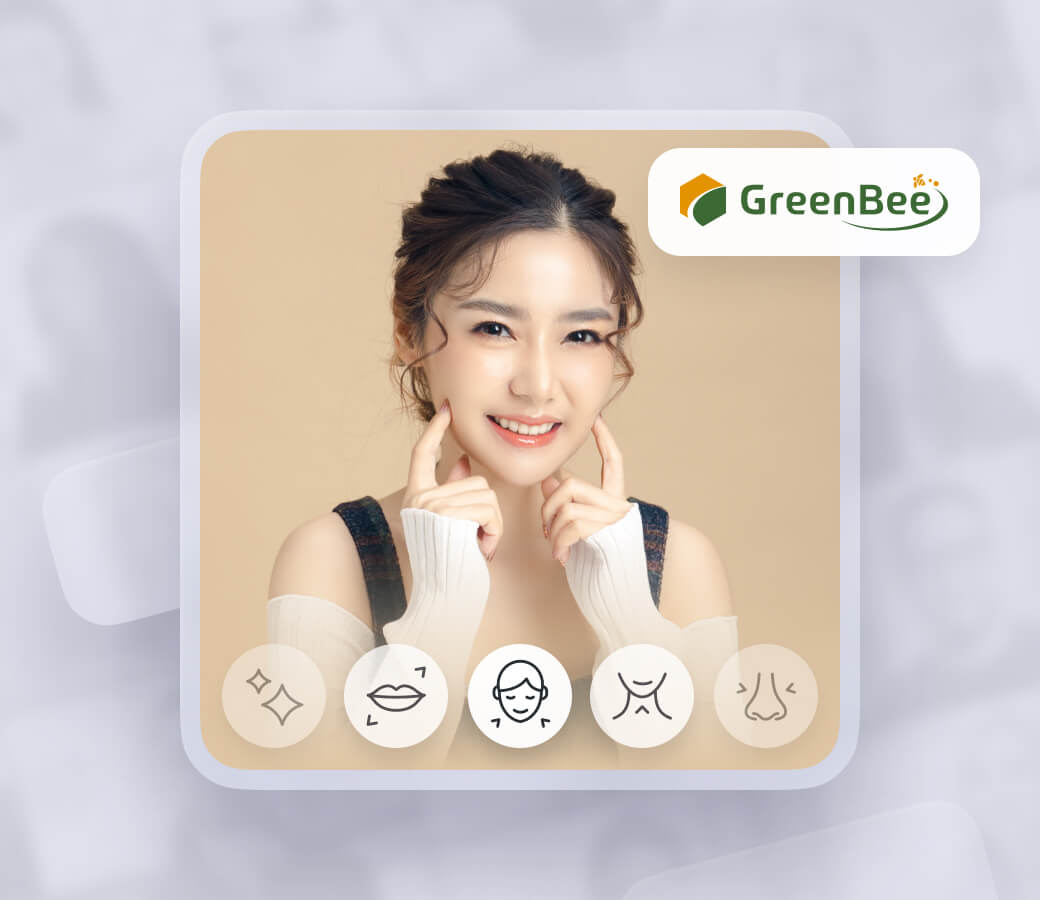
- Virtual backgrounds, scripting engine, rendering engine, face touch-up
- The application is installed on over 500.000 devices
- AR features on display in 3000 shops in Japan.
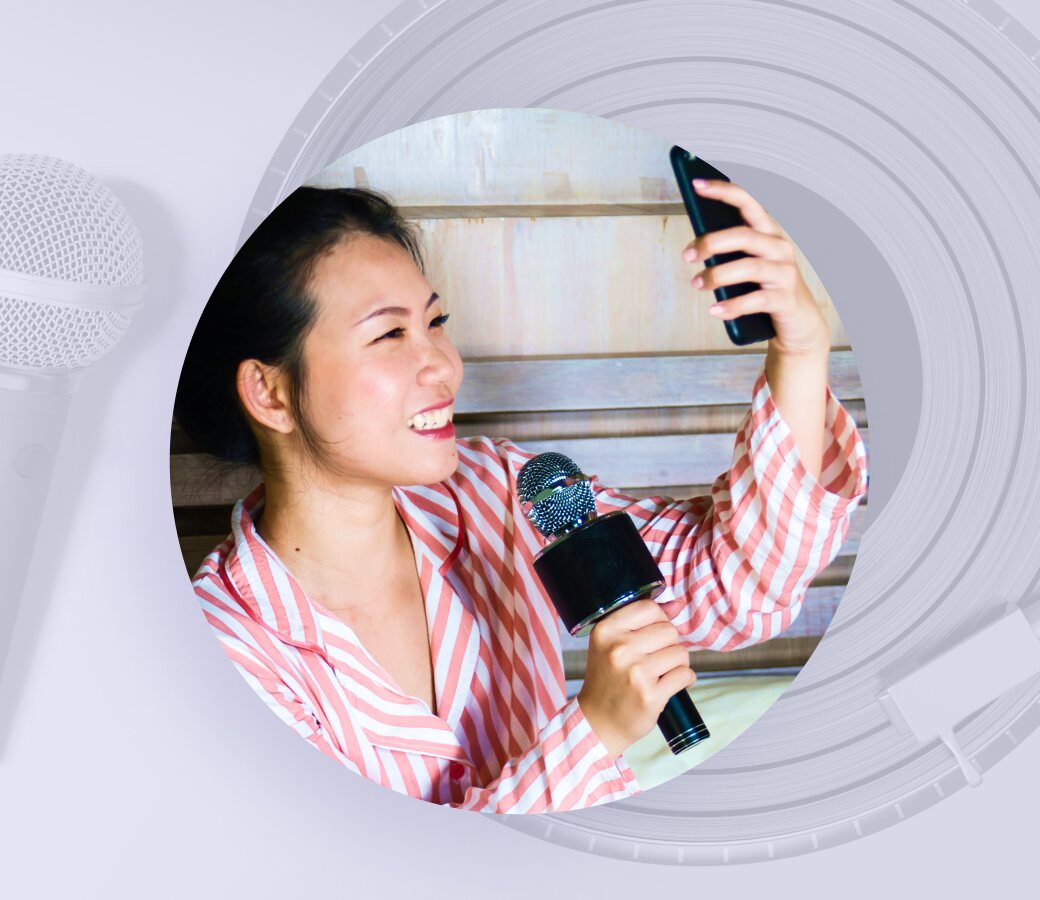
Increasing user satisfaction in karaoke app with face filters and beautification for iOS and Android
- Licensing face filters from Banuba catalog
- Beautification with skin smoothing, skin tone correction, eyes and teeth whitening, face morphing
- Users can browse AR masks (Game faces) to play and unlock them for game bonuses

Providing a Multi-Platform Production Agency with face filters integrated into AR photo booths that foster video & photo marketing & ad campaigns.
- Face Filter SDK for Android
- Background segmentation for green screen virtual background changer
- Custom filter design services and filter licencing from Banuba catalog
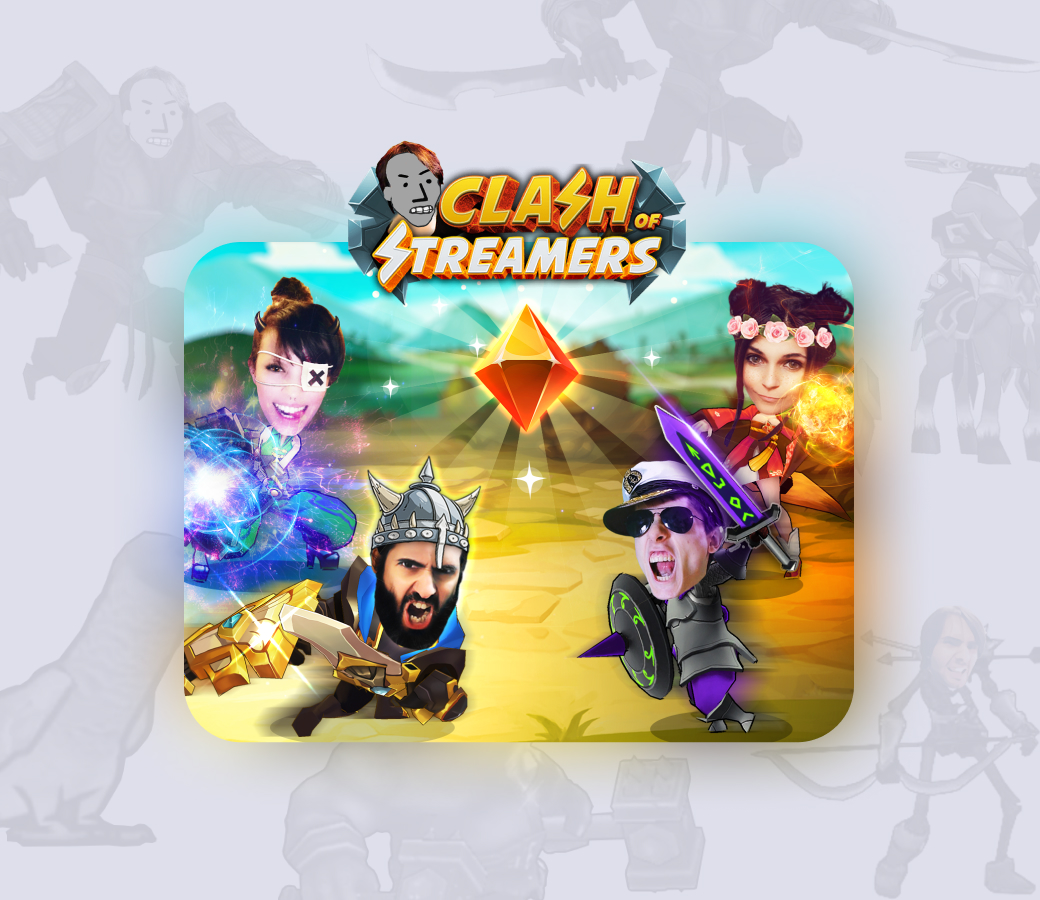
A popular mobile game that uses AR, blockchain, geopositioning, and other popular technologies.
- 4M+ installs
- 100K monthly active players
- Top-grossing NFT-powered mobile game
- $7000 average price of a sold NFT
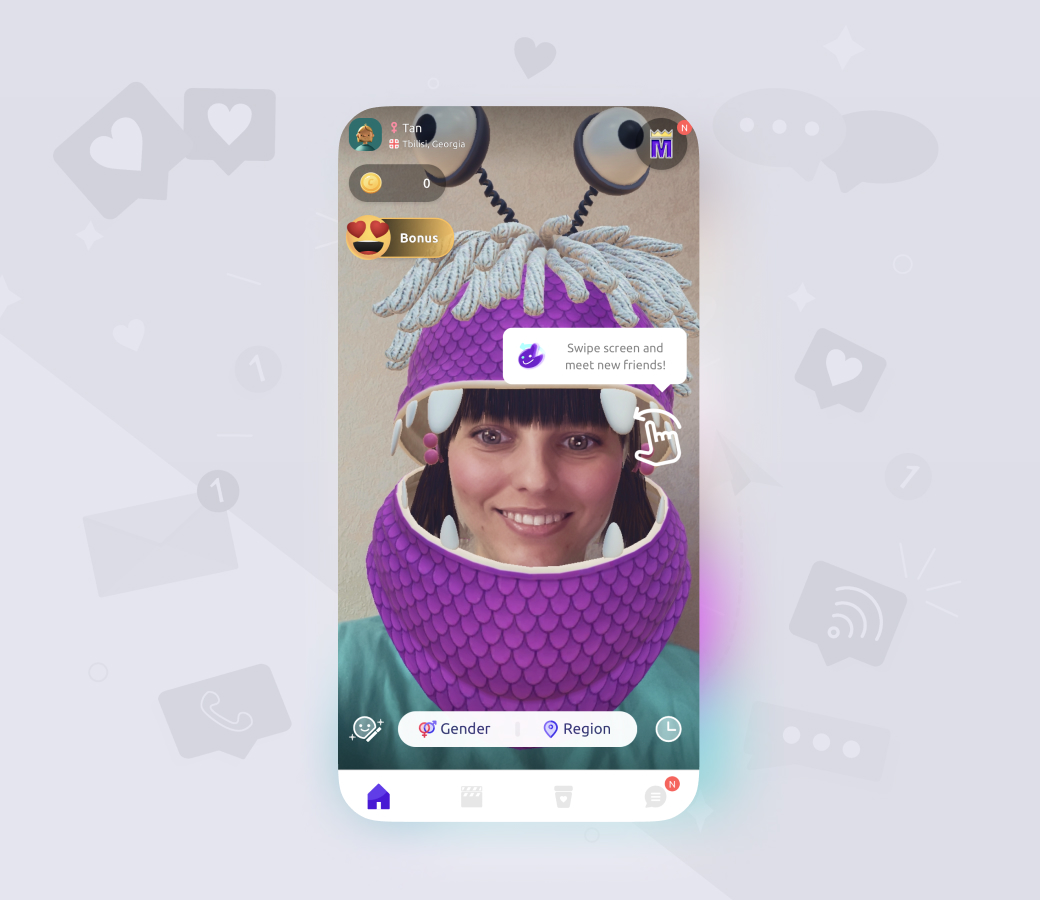
An engaging random live chat with AR features.
- 20M installs
- 4B+ matches
- 15M Banuba feature launches per month












Why Banuba
- Build custom AR filters in Banuba Studio or license ready-made ones from the Asset Store to cut time to market.
- One integration covers 97% of Apple and 80% of Android smartphones, also maintained by Banuba on iOS, Android, Web, Unity, Flutter, React Native, Windows, and macOS.
- Tracks 68 facial anchor points and a mesh of up to 3,308 vertices at head angles from -80° to +80°, so filters stay locked on.
- Filter quality on par with or better than TikTok, Snapchat, or Instagram, with minimal battery use even on low-end devices.
- Runs fully on the device, even offline, so there's no processing region to pick and no per-frame cloud cost on live streams.
- Drops into an existing live-video stack through the documented Agora extension.
-
Yes, Banuba ships a documented Agora plugin with working iOS and Android examples, so beauty, AR masks, and background effects layer onto a live feed without a cloud round-trip. It already powers live chat for b.stage. Start with the Banuba Agora plugin example.
-
Banuba's Face AR SDK supports iOS 13 and up, Android 8.0 and up, the web on any browser with WebGL 2.0, Unity, Flutter, React Native, Windows 8.1 and up, and macOS 10.13 and up. Banuba builds and maintains every one of them rather than relying on community wrappers, and the per-platform setup guides sit in the Banuba Face AR SDK documentation.
-
Yes, Banuba does all face tracking and effect rendering locally on the user's device with no cloud dependency, so camera frames never leave the phone. That is why it keeps working offline and why there is no region to choose for video processing. The same on-device stack powers Banuba's Beauty AR SDK.
-
Banuba prices the Face AR SDK on three things: the number of platforms you ship on, your monthly active users, and the feature set you enable. There are two license models: a flat annual fee that stays fixed no matter how far the app scales, and an active-user model that starts lower and grows with usage. The Banuba Face AR SDK pricing guide walks through both.
-
Yes, Banuba gives you a 14-day free trial of the Face AR SDK to validate performance on your own devices and your own footage before you buy a license. Request it from the Banuba Face AR SDK pricing page.
-
Banuba publishes official integration samples on GitHub for iOS, Android, Web, Unity, Flutter, React Native, and desktop, each with setup instructions and a minimal working app. Start with the Banuba Face AR SDK iOS samples and switch the platform from the same GitHub organization.
-
Yes, Banuba publishes agent skills that give an AI coding agent structured SDK knowledge, integration steps, and workflow context, so the agent can wire the SDK in rather than guess at it. They are open in the Banuba AI skills repository.
-
Build the effect in any 3D graphical editor, then convert it to the SDK format in Banuba Studio, which is also where you preview it on a live camera before shipping. No computer vision work is needed for a custom filter, only the 3D asset. Open Banuba Studio to start.
-
Yes, Banuba has a catalog of ready-made face filter assets you can license and drop into your app, which is the fastest route to launch when you have no 3D artist. The catalog and the licensing terms are in the Banuba face filters whitepaper.
-
Yes, the Banuba Unity Face AR extension brings the same 3D face tracking into Unity across platforms, so you can build Unity face masks, AR effects, and 3D objects on the engine you already use. See the Banuba Unity face tracking extension.
-
The AR framework you choose depends on your needs. For a more detailed technical overview, see the article Best AR Frameworks for Mobile and Web.
-
Face filters, beautification, and interactive AR effects give creator and short-video apps a reason for users to open the camera more often and stay longer per session. How creator apps drive engagement with Face AR SDK covers the mechanics in more depth.
-
You can explore our dedicated article, which describes 12 face AR examples with real numbers