-
![icon_cartoon]() Erick and his Cartoon-style avatar Fred
Erick and his Cartoon-style avatar Fred -
![icon_real]() Erick and his Human-like Avatar David
Erick and his Human-like Avatar David


Avatar SDK
A robust avatar face maker for your users’ fun and privacy.
Technical Requirements
Face Filters SDK supports HTML5, iOS, Android, Windows, macOS, Unity, Flutter and React Native. It runs on devices starting from iOS 13+ / Android 8.0+ with a 1280x720 camera (recommended) at min 30 FPS.

Mobile
OpenGL ES 3.0+
Android 8.0, API level 26+
iOS 13+


Desktop
Windows 8.1+
MacOS 10.13+
Ubuntu 18.04+


Web
WebGL 2.0+
Mobile: Chrome, FireFox, Safari.
Desktop: Chrome, FireFox, Safari.


3D Avatar SDK Features
- Reliable copying of movement and facial expressions
- Vivid and detailed images
- Works with high facial occlusion
- Compatible with virtual backgrounds and other effects
- Integrates in minutes
- Supports native iOS & Android, Flutter, React Native, Web, Desktop, Unity
Maximum accessibility
Banuba’s 3D avatar SDK is available for all major platforms and browsers. This means your users will be able to access its features no matter their device and location.
Security by design
The technology doesn’t store, process, or transfer any personal data. Everything happens on the user’s device, which automatically makes it compliant with regulations like GDPR.

Engagement and privacy
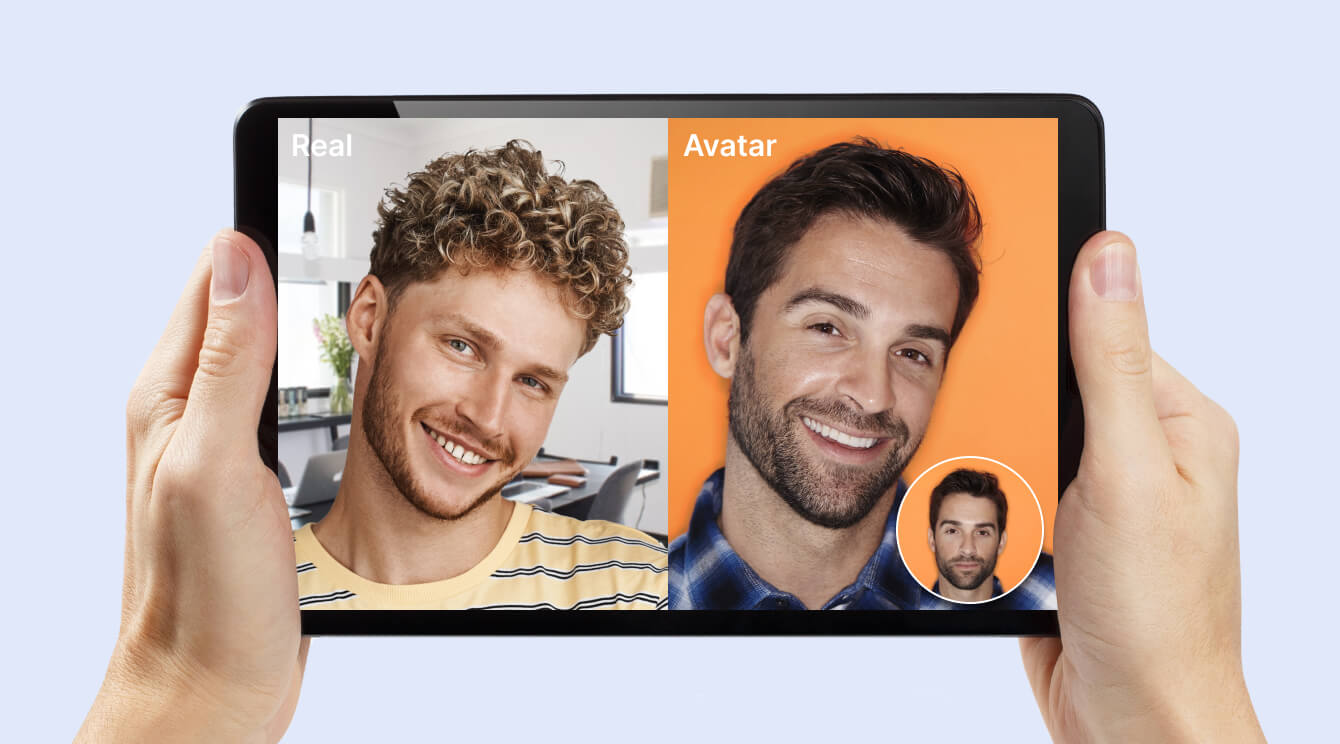
With the colorful animated characters, people will want to come back to your app and stay on it, prolonging session time and boosting engagement. 3D avatars also let users hide their identity and preserve anonymity, should they want it.
Selected by Hundreds of Leading Brands
-1.svg)






-
AI avatar generator analyzes your face and locates specific points like corners of mouth and eyes. They get virtually connected with corresponding points in a 3D object – the avatar. As a result, your facial expressions get transferred from your face to the avatar.
-
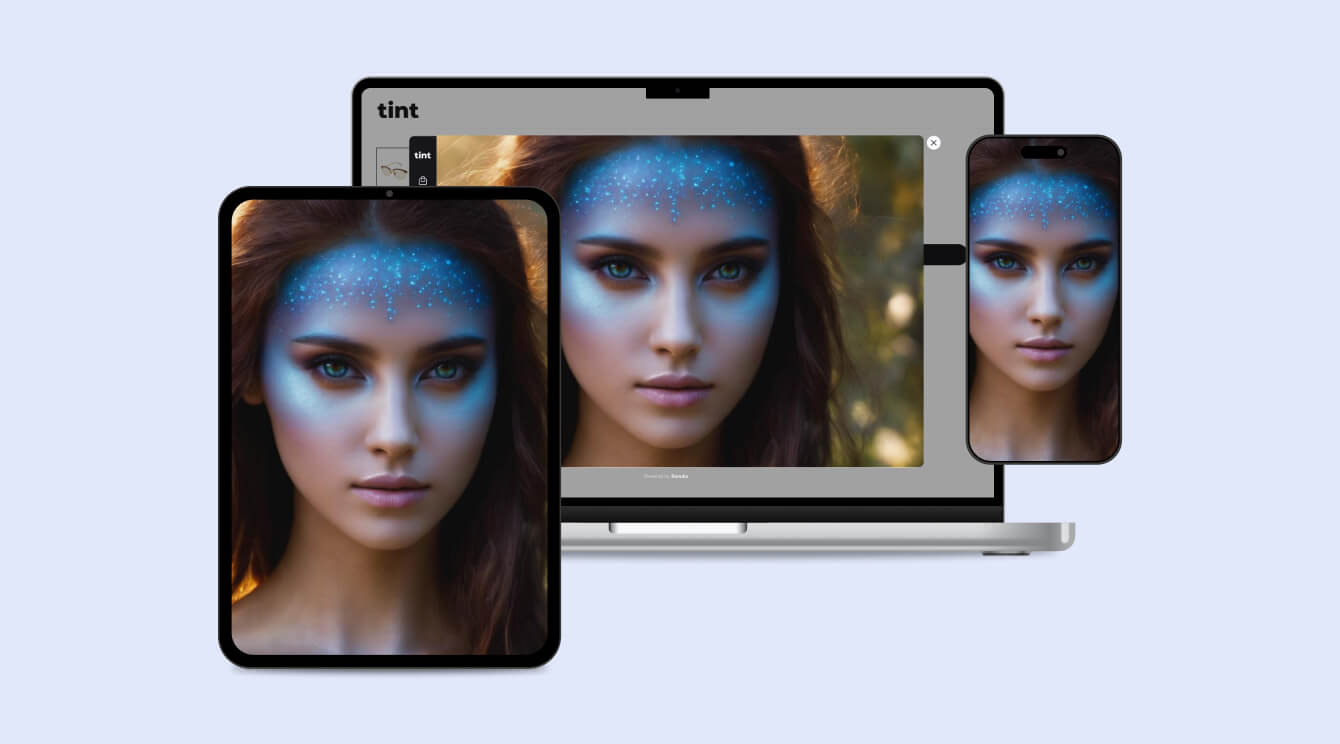
Banuba Face AR SDK is a good alternative to Avatar SDK. It can create 3D and photorealistic avatars, as well as apply virtual backgrounds, place 3D face masks, modify video feed with color filters, and much more.
-
Avatar SDK is a premade module that can be quickly integrated into an application and allow its users to create 3D and photorealistic avatars. It is distributed as npm/Maven/CocoaPods packages, so it only takes a few lines of code to integrate.
-
Yes. The Banuba Avatar SDK includes an LLM-friendly documentation file designed for AI-assisted development and internal knowledge systems:
Banuba Avatar SDK LLM-friendly documentation (llms-full.txt)
This structured Banuba Avatar SDK text file can be used with AI tools to streamline onboarding and developer workflows.
-
The official technical documentation for Banuba Avatar SDK is available online and includes requirements, setup instructions, and configuration details:
Banuba Avatar SDK iOS documentation
Banuba Avatar SDK Android documentation
Banuba Avatar SDK Flutter documentation
Banuba Avatar SDK Rect Native documentation
Banuba Avatar SDK Web documentation
Banuba Avatar SDK Unity documentation
Banuba Avatar SDK Desktop documentation
This Banuba Avatar SDK documentation should be your primary reference during integration.
-
You can access official integration code samples for the Banuba Avatar SDK on GitHub. Banuba provides platform-specific examples to help you integrate faster:
Banuba Avatar SDK iOS integration code sample
Banuba Avatar SDK Android integration code sample
Banuba Avatar SDK Flutter integration code sample
Banuba Avatar SDK React Native integration code sample
Banuba Avatar SDK Desktop integration code sample
Banuba Avatar SDK Web integration code sample
Banuba Avatar SDK Unity integration code sample
These Banuba Avatar SDK repositories include setup instructions and minimal working examples for quick deployment.
-
The Banuba Avatar SDK provides official cross-platform plugins to simplify integration into hybrid applications:
Banuba Avatar SDK Flutter plugin
Banuba Avatar SDK React Native plugin
These Banuba Avatar SDK plugins are maintained by Banuba and support faster implementation for cross-platform apps.